The HubSpot Pros and Cons Explained (By Use Case)

Reading about HubSpot pros and cons usually means scrolling through the same vague talking points recycled from one blog to the next. Great interface, expensive at scale, repeat. That does not tell you much when your real question is whether HubSpot works for your specific team and workflow.
This post breaks it down differently. We organized every strength and weakness by use case and company size, so you can skip straight to what actually applies to you.
Why Trust Our HubSpot Assessment
At CRM360, our 30 specialists implement and optimize HubSpot alongside Salesforce, Dynamics, ServiceNow, and niche-specific platforms across 12+ industries. We are fully independent, so when we flag a HubSpot weakness, it is because we have watched it cause real problems in real environments.
Not Sure Where HubSpot Fits for You?
We help companies figure out whether HubSpot matches their setup or whether something else would serve them better. Get in touch here and we will walk you through it.
HubSpot Pros and Cons at a Glance
HubSpot is one of the most talked-about CRM platforms for a reason. It does a lot right, and it does a few things that will make you pull your hair out. Before we break everything down by use case and team size, here’s the big-picture view of what you’re signing up for.
Understanding both sides upfront saves you from the kind of surprise that only shows up six months into an annual contract.
Where HubSpot Earns Its Reputation
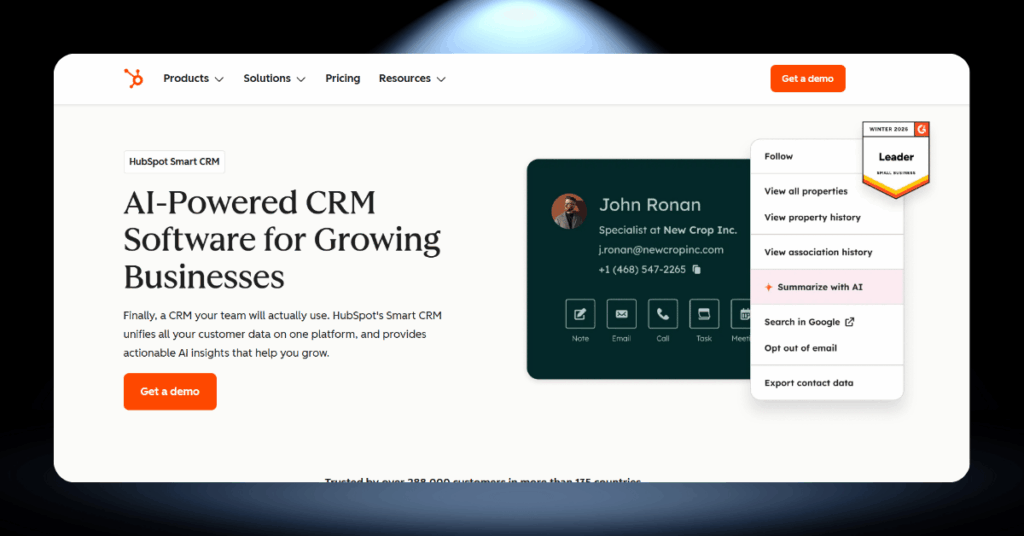
HubSpot built its name on making CRM accessible. And to their credit, the platform still delivers on that promise in several important ways. The learning curve is gentler than most competitors, and the free tier gives you a real working CRM rather than a stripped-down demo.
Here’s what consistently stands out:
- One of the most intuitive interfaces in the CRM market, even for non-technical users
- A free plan that includes contact management, deal tracking, and email logging for up to 1,000,000 contacts
- Over 2,000 integrations in the app marketplace, from Salesforce to Shopify to Slack
- Marketing tools (email, landing pages, blogs, SEO) all connected to the same contact database
- Built-in meeting scheduler and call tracking on every plan, including free
- HubSpot Academy offers some of the best free training courses in the CRM space
- Strong automation capabilities on Professional plans that cover marketing, sales, and service workflows
For teams that want marketing and sales working from the same data, HubSpot’s all-in-one setup is hard to match. The platform was built around inbound methodology, and that DNA shows in how well content tools, lead tracking, and pipeline management work together.
Pros Highlight: HubSpot’s biggest strength is how it brings marketing, sales, and service under one roof with an interface that your whole team can actually learn quickly. If ease of use and a unified customer view are your top priorities, HubSpot delivers.
Where HubSpot Tests Your Patience
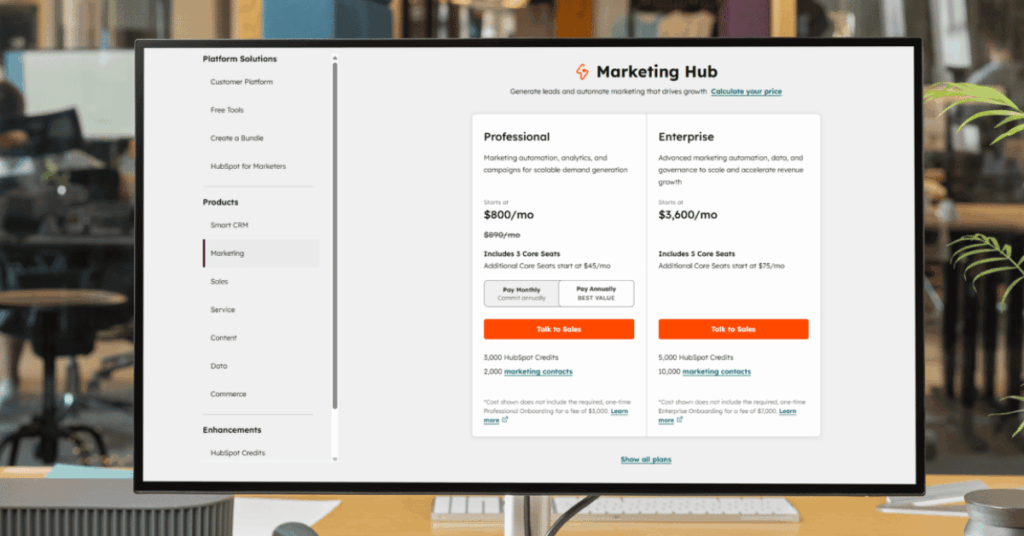
No CRM is perfect, and HubSpot’s shortcomings tend to hit hardest when your business starts growing. The free plan is generous, but the jump to paid tiers is where friction builds. And some of the limitations are things you won’t notice until you’re already invested.
Here’s what catches people off guard:
- Marketing Hub Professional starts at $800/month with a mandatory $3,000 onboarding fee
- Professional and Enterprise plans require annual contracts with no monthly option
- Key features like A/B testing, custom reporting, and workflow automation are locked behind higher tiers
- The free plan caps you at just 2 user seats and 10 custom properties
- Per-seat pricing on Sales and Service Hubs adds up fast for growing teams
- Customization options are limited compared to Salesforce or Dynamics 365 for complex processes
- Migrating away from HubSpot (especially off their CMS) can be a major project
The pattern we see repeatedly is this: businesses fall in love with HubSpot’s ease of use, grow into it quickly, and then feel the squeeze when they need features that sit behind a steep price jump. The gap between Starter and Professional is not a gentle upgrade. It’s a budget decision.
Cons Highlight: The jump from Starter to Professional is where most budget surprises happen. Annual contracts, mandatory onboarding fees, and aggressive feature gating mean your actual cost will likely be much higher than the number you see on the pricing page.
HubSpot Pros and Cons by Primary Use Case
A CRM can look brilliant on paper and still fall flat for your specific workflow. The features that matter to an inbound marketing team are completely different from what a service desk needs.
So instead of talking about HubSpot in the abstract, let’s look at how it performs in the four areas where businesses rely on it most. That way, you can skip to the section that matches what your team actually does every day.
HubSpot for Inbound Marketing Teams
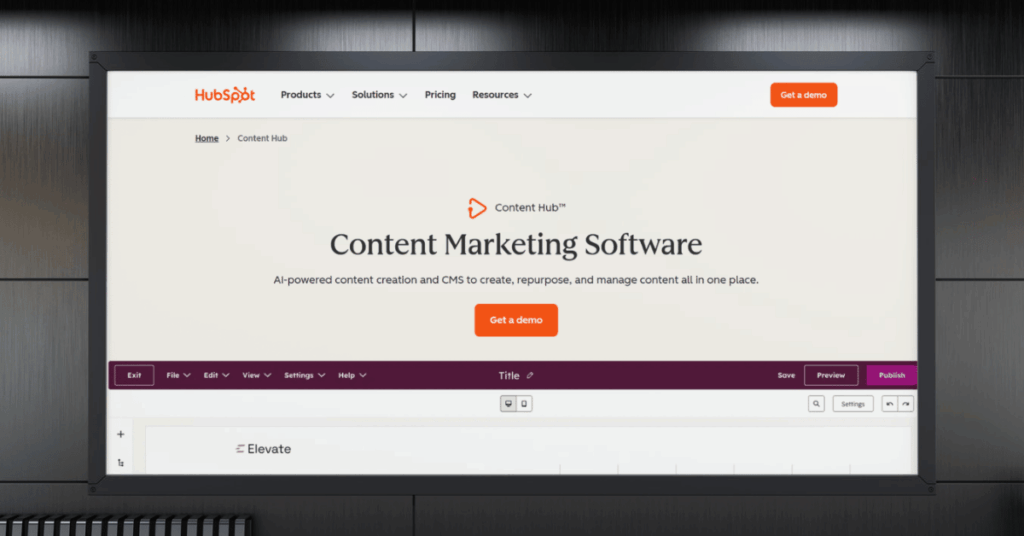
This is where HubSpot feels most at home. The platform was built for inbound marketing from day one, and that DNA shows in the depth of tools available. Blog hosting, SEO recommendations, social scheduling, ad tracking, email campaigns, and landing pages all connect directly to your contact database.
For content-heavy marketing teams, the ability to trace a blog visit all the way through to a closed deal is remarkably powerful. You can see exactly which piece of content brought someone to your site months before they became a customer.
- All-in-one toolkit for blogs, email, social, landing pages, and ads
- Built-in SEO recommendations without needing a separate tool
- Attribution reporting ties content directly to pipeline revenue
- Smart content personalizes pages based on visitor data
- Email automation with pre-built and custom workflow templates
- Social media scheduling and monitoring from the same dashboard
- Marketing Hub Professional starts at $800/month plus a $3,000 onboarding fee
- No A/B testing on Starter plans
- Marketing contact pricing means costs rise as your database grows
- Advanced automation is locked behind Professional and Enterprise tiers
- Free plan emails are capped at 2,000/month with HubSpot branding
- Limited ad budget tracking compared to dedicated ad platforms
HubSpot for Sales Pipeline Management
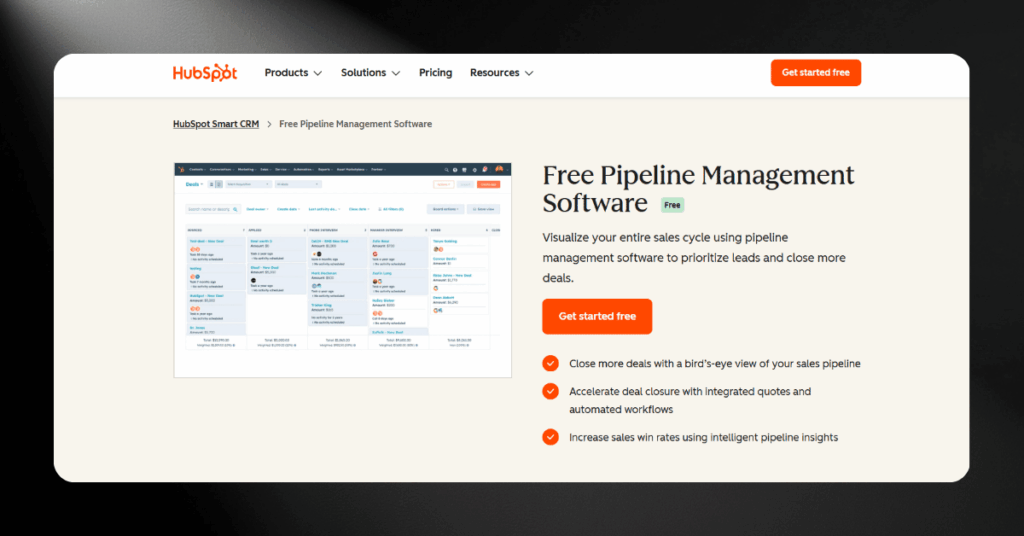
HubSpot’s Sales Hub has grown up a lot. The deal pipeline is visual, easy to customize, and the contact record gives reps a clean timeline of every interaction. Email tracking, meeting scheduling, and call logging all work well without much setup.
Where it gets tricky is when your sales process has layers. Multiple product lines, overlapping pipelines, or approval workflows that branch in several directions will bump into HubSpot’s limits faster than you’d expect.
- Visual drag-and-drop pipeline that reps actually enjoy using
- Email tracking and meeting scheduling included on lower tiers
- Sequences tool automates follow-ups and task creation
- Free CRM supports up to 1,000,000 contacts and unlimited deals
- Task queues help reps power through daily activities faster
- Only 2 pipelines on Starter (Professional needed for more)
- Custom objects restricted to Enterprise tier only
- Forecasting and advanced reporting need Professional or higher
- Per-seat pricing adds up quickly for larger sales teams
- Limited territory management compared to Salesforce
HubSpot for Customer Service Operations
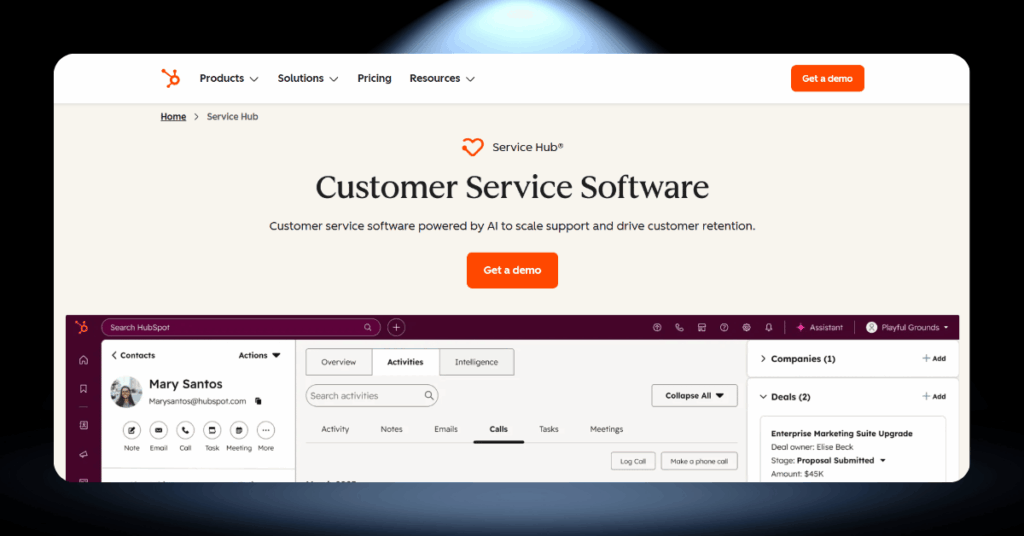
HubSpot’s Service Hub often gets overshadowed by the marketing and sales tools. But it’s become a solid option for teams that want ticketing, a knowledge base, and customer feedback tools all connected to the same CRM data.
The real advantage is the shared contact record. When a customer submits a support ticket, your service team can see every marketing email, every sales call, every deal in one place, without switching tabs or platforms.
- Ticketing system linked to full CRM contact history
- Knowledge base builder reduces ticket volume through self-service
- Built-in feedback surveys for NPS, CSAT, and CES
- Live chat and chatbots connect to the shared inbox
- Conversation routing distributes tickets to the right reps
- SLA management and advanced routing locked to Professional tier
- Less customizable than dedicated tools like ServiceNow or Zendesk
- Service metric reporting is basic until you upgrade past Starter
- Not designed for high-volume enterprise support operations
- Limited escalation workflow options for complex support teams
HubSpot Pros and Cons by Organization Type and Size
The CRM that works brilliantly for a five-person startup can become a headache for a 200-person company, and vice versa. HubSpot’s modular pricing and tiered feature structure mean that your experience will look very different depending on how big your team is and how complex your operations are.
Here’s how HubSpot stacks up for three common organization profiles we see regularly in our consulting work.
HubSpot for Startups and Small Teams (Under 50 Employees)
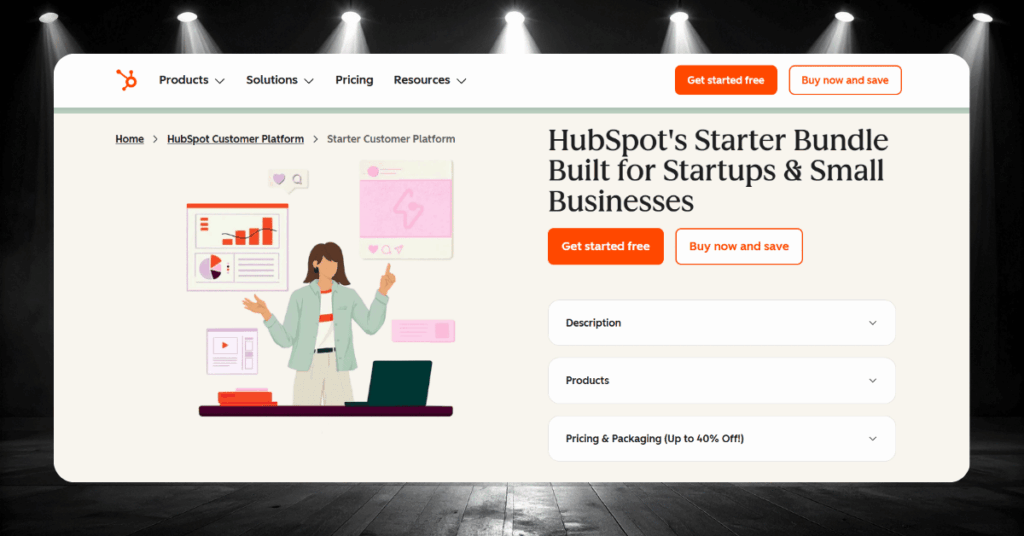
If you’re running a small team with a limited budget, HubSpot’s free plan is one of the best starting points in the CRM market. You get contact management, deal tracking, email integration, and a meeting scheduler without spending anything.
The Starter Customer Platform (starting from $15/seat/month, or as low as $9/seat/month on promotional annual pricing) bundles Starter editions of every hub. For small teams wearing multiple hats, having marketing, sales, and service in one affordable package saves real time.
- Free plan supports up to 1,000,000 contacts with core CRM features
- Starter plan removes HubSpot branding and adds conversation routing
- HubSpot Academy offers free training to get new users up to speed fast
- Clean interface means no consultant needed just to get started
- Starter Customer Platform bundles all hubs at a discounted rate
- Free plan limited to 2 user seats, which you’ll outgrow quickly when hiring
- Only 10 custom properties on free makes detailed tracking nearly impossible
- Marketing email cap of 2,000/month on the free tier goes fast
- The jump from Starter to Professional is a steep price leap with no middle ground
- Per-seat costs compound quickly once you start adding team members
HubSpot for Mid-Sized Businesses (50-500 Employees)
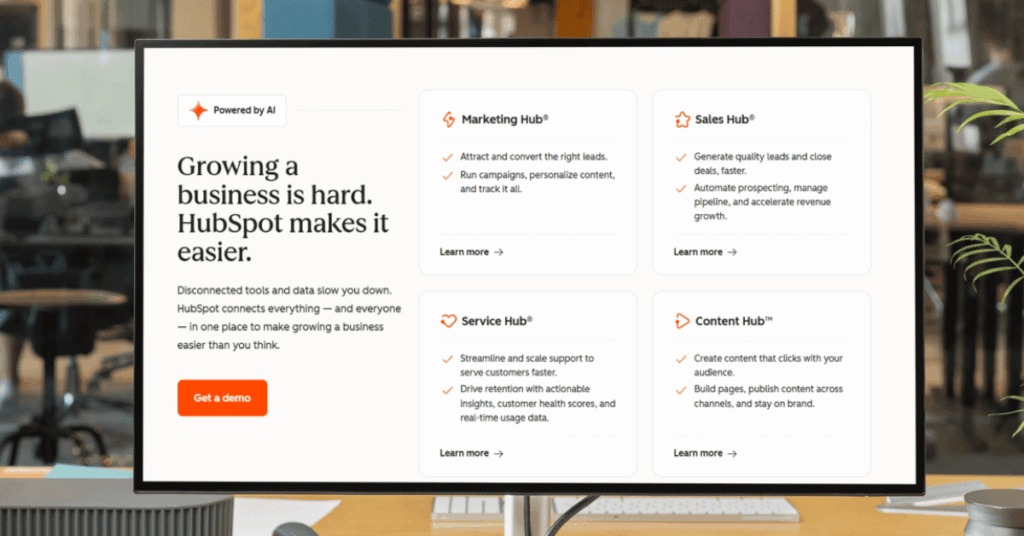
This is the range where HubSpot can either be a perfect fit or a growing frustration, depending on your specific needs. Companies in this bracket typically need real automation, custom reporting, and tighter alignment between marketing, sales, and service teams.
HubSpot’s Professional and Enterprise tiers deliver on those needs for many mid-sized organizations. But if your processes require deep customization or complex approval chains, you may start feeling the platform’s ceiling.
- Professional plans unlock workflows, sequences, and custom reporting
- Unified platform reduces tool sprawl and gives every team the same customer view
- Enterprise tier adds custom objects, predictive lead scoring, and advanced permissions
- Multi-touch revenue attribution helps marketing prove ROI across complex buying journeys
- Over 2,000 marketplace integrations let you build a connected stack without custom development
- Phone support becomes available on Professional plans
- Professional tier requires annual commitment and mandatory onboarding fees ($1,500 to $3,000)
- Enterprise plans carry significant price tags ($2,000/month for Marketing Hub Enterprise)
- Custom object limits can constrain specialized business processes
- Some mid-sized organizations outgrow HubSpot’s reporting capabilities
- Paying for full hubs when you only need a handful of features from each feels wasteful
- HubSpot’s enterprise features are still maturing compared to legacy platforms
HubSpot for Enterprise Organizations (500+ Employees)
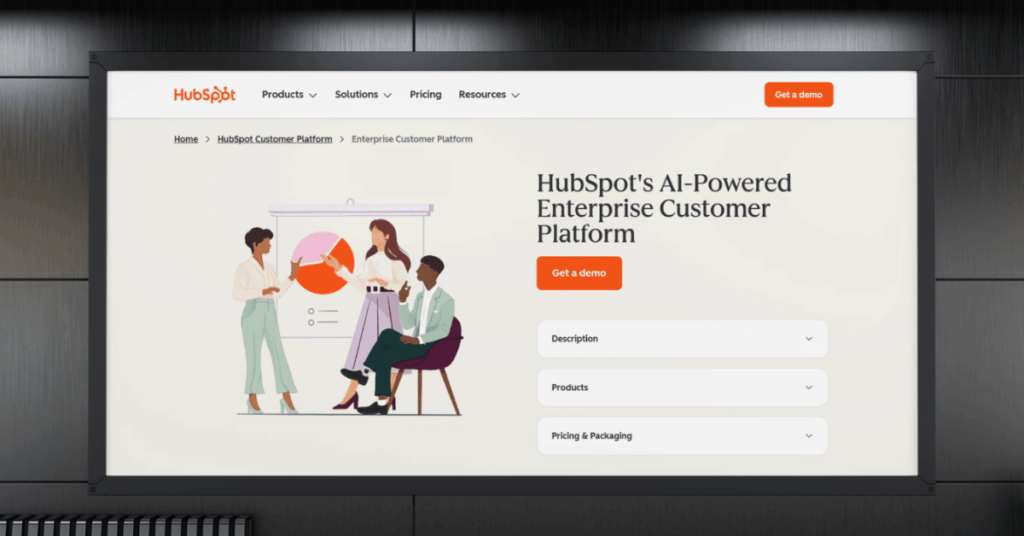
Let’s be real: HubSpot is not the traditional enterprise CRM. It didn’t start there, and while it’s pushed hard to move upmarket, enterprise buyers should go in with their eyes wide open.
Many enterprise teams use HubSpot specifically for marketing and pair it with Salesforce or another CRM for sales and service. That hybrid approach works well in practice, but it requires careful integration planning and ongoing maintenance.
- Marketing Hub Enterprise is a strong standalone product for large marketing teams
- Native Salesforce integration makes hybrid CRM setups workable
- Sandbox environments allow safe testing before rolling out changes
- Single sign-on (SSO) and advanced security features meet enterprise requirements
- Partitioning lets different teams share a portal without conflicts
- Customization ceiling is lower than Salesforce, Dynamics 365, or ServiceNow
- Large-scale data management and governance tools are less mature
- Full Customer Platform bundle can exceed $4,300/month before adding users
- Organizations with 100+ CRM users find the per-seat model prohibitively expensive
- Complex approval workflows and territory management feel limited
How HubSpot Fits Your Existing Tech Stack
No CRM works in isolation. The tools you’re already using need to talk to each other, and HubSpot’s marketplace of over 2,000 integrations makes that easier than most platforms.
The quality of these integrations varies, but the five below are ones we see delivering real value across different types of businesses.
Hidden HubSpot Strengths Most People Overlook
Everyone talks about the marketing tools and the free CRM. But some of HubSpot’s best advantages fly under the radar.
These are the three we find ourselves pointing out to clients most often.
#1 HubSpot Academy Is a Secret Onboarding Weapon
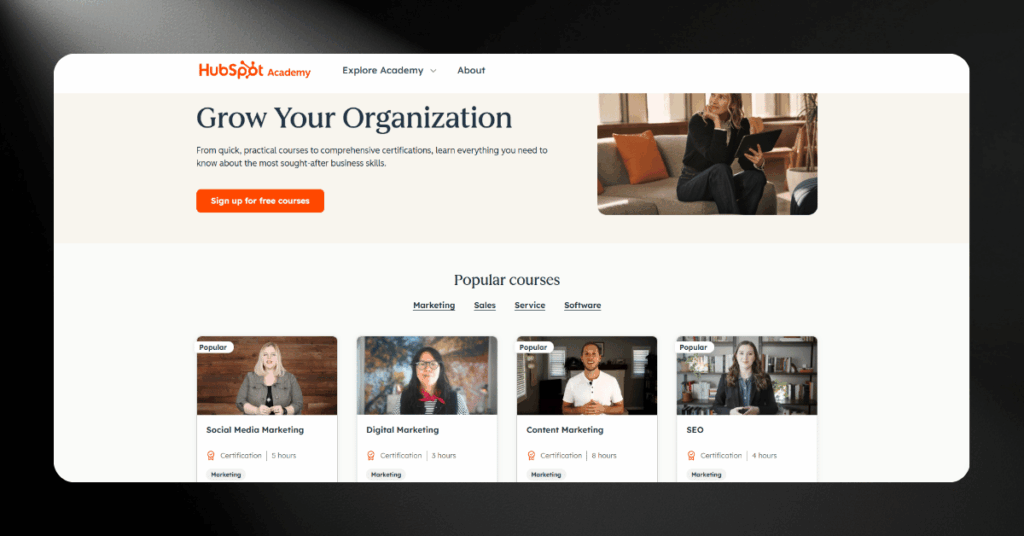
This is, in our experience, the single best free training resource in the CRM space. The courses go beyond teaching you which buttons to click. They cover inbound methodology, email deliverability, content strategy, and sales enablement.
For teams onboarding new hires, Academy cuts weeks off the ramp-up time. New reps can get certified before they ever touch a live deal.
Tip: Have every new team member complete the HubSpot CRM and Inbound Sales certifications during their first week. It’s free, takes a few hours, and saves your senior staff from answering the same questions over and over.
#2 The Community Ecosystem Solves Problems Fast
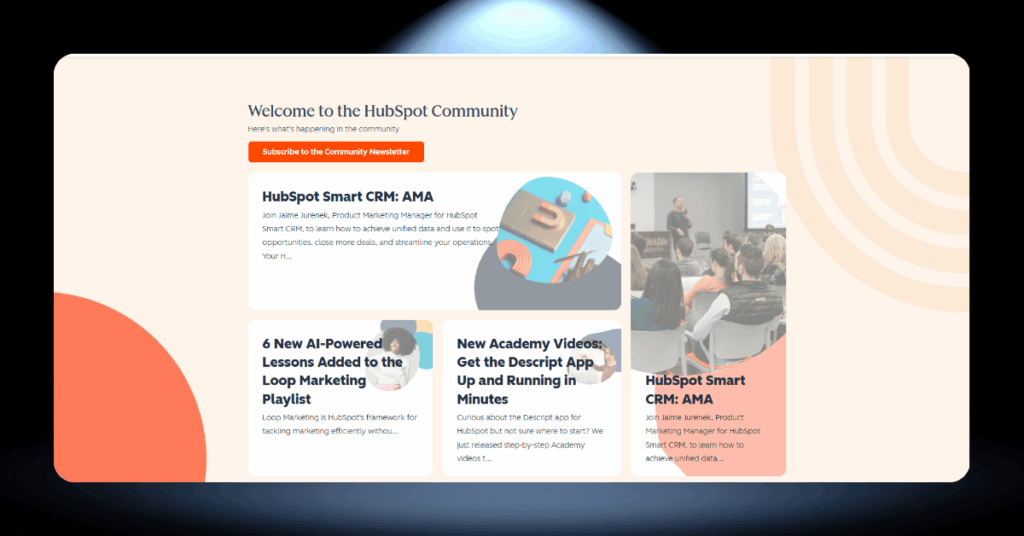
Between the HubSpot Community forums, certified partner agencies, and the app marketplace, you’re rarely stuck trying to figure something out alone. If you hit a wall with a workflow or an integration, chances are someone has already solved it and posted the answer.
For growing teams without a dedicated CRM admin, that kind of support network is worth more than most people realize.
Worth Knowing: The HubSpot Community forum is searchable by product, tier, and topic. Before contacting support, search the forums first. You’ll often find step-by-step solutions posted by other users or HubSpot partners.
#3 Contact Record Depth Beats Most Competitors
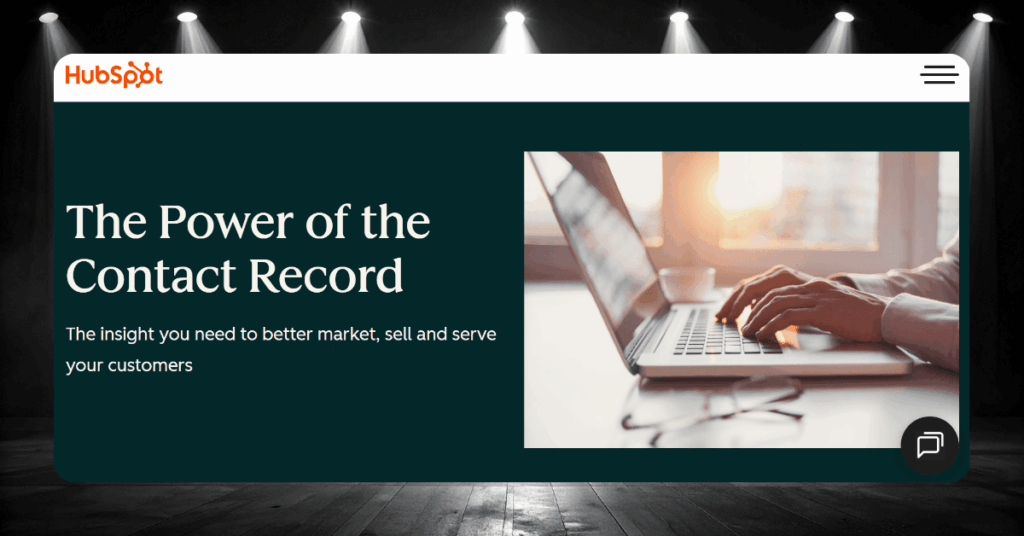
HubSpot’s contact records automatically pull in a detailed activity timeline that tracks every email, page visit, form submission, sales call, and support ticket tied to that person. The platform also enriches records with data from over 20 million businesses.
This gives your team a full picture of each customer’s journey without anyone having to log anything manually. It sounds small, but it changes how reps prepare for calls and how marketers segment their lists.
Pro Tip: Use the activity timeline filter to show only sales emails and calls before a meeting. It gives reps a 30-second briefing on the full relationship history, right inside the contact record.
The Less-Talked-About Problems With HubSpot
Some HubSpot frustrations don’t show up in the typical review. The pricing cliff between Starter and Professional is the big one. It’s not a gradual step. It’s a full budget conversation, and mandatory annual contracts mean you’re locked in even if your needs shift mid-year.
Then there’s vendor lock-in. If you host your website, run email campaigns, and manage your pipeline all inside HubSpot, leaving becomes a serious project. We’ve worked with companies where migrating off took months.
There’s also the affiliate-heavy review ecosystem around HubSpot. Many “unbiased” comparisons online are written by HubSpot partners earning referral commissions, which makes it harder to get a clear picture before you commit.
HubSpot Pricing Traps and How to Avoid Them
HubSpot’s pricing page looks clean and simple. But the actual cost of running HubSpot for a real business is almost always higher than the number you see at first glance.
Between contact-based pricing, per-seat fees, mandatory onboarding charges, and aggressive feature gating, there are several traps worth understanding before you commit.
The Real Cost Behind “Free”
HubSpot’s free plan is quite useful. You get contact management, deal tracking, basic email marketing, and a meeting scheduler. For a one-person operation or a team exploring CRM for the first time, it’s a solid starting point.
But here’s what catches people off guard: the free plan caps you at 2 user seats and just 10 custom properties. That second limit matters more than you’d think. Custom properties are how you track the data points your business cares about beyond name, email, and phone number. Ten is simply not enough for most real-world use cases.
Once you start looking at paid plans, the costs layer up in ways that aren’t obvious from the pricing page:
- Sales Hub and Service Hub charge per seat, while Marketing Hub charges per marketing contact
- A 10-person sales team on Professional already costs $1,000/month in seat fees alone
- Marketing contact pricing means your bill grows as your database grows
- Professional and Enterprise plans require annual contracts with no monthly option
- Mandatory onboarding fees range from $1,500 per hub to $4,500 for the CRM Suite
Where HubSpot Gets Expensive vs. Where It Stays Reasonable
Not every part of HubSpot will blow your budget. The Starter tier is genuinely affordable, and for small teams that stick to basic sales and marketing workflows, the cost stays predictable and manageable. The problems start when you need features that sit behind the Professional paywall.
The gap between Starter and Professional is where most budget surprises happen. It’s not a gentle upgrade. It’s a full tier jump with a different pricing structure, annual commitment, and onboarding fee attached.
Starter plans across all hubs run $20/seat/month, and the Starter Customer Platform bundles everything at a discounted rate. For teams that need basic CRM, email marketing, and pipeline management, this tier delivers solid value. Free tools like meeting scheduling, email logging, and contact management remain available forever with no payment required.
Professional plans are where costs spike. Marketing Hub Professional starts at $800/month with a $3,000 onboarding fee. Sales Hub Professional costs $100/seat/month. Enterprise tiers push even higher, with Marketing Hub Enterprise at $2,000/month and a $6,000 onboarding fee. The full Customer Platform bundle on Enterprise can exceed $4,300/month before adding extra users.
Final Verdict: Who Should (and Shouldn’t) Pick HubSpot
HubSpot is a strong CRM for small and mid-sized businesses that prioritize marketing, want an intuitive interface, and value having everything in one platform. If your team is content-driven, your sales process is not overly complex, and your budget can absorb the jump to Professional when the time comes, HubSpot is hard to beat.
Bottom line: Choose HubSpot if you want a user-friendly, marketing-first CRM that grows with you. Think twice if your team needs deep customization, complex sales workflows, or enterprise-grade flexibility on a tight budget. And always map out the full cost of the tier you’ll actually need before you sign anything.
If you’re not sure whether HubSpot, Salesforce, or another platform is the right call, that’s exactly the kind of decision where a vendor-neutral perspective makes all the difference.
HubSpot Pros and Cons FAQ
Make HubSpot Work For You
Choosing the right CRM is only half the battle. Setting it up so it actually works for your team is what makes the difference.
Whether you’re evaluating HubSpot, migrating away from it, or trying to get more out of your current setup, our 30 CRM specialists are here to help.
Get in touch today and let’s make your CRM work the way it should.