What is HubSpot, How Does It Work, Who Needs It?

You keep hearing about HubSpot, but nobody seems to explain it without drowning you in marketing jargon. CRM, inbound methodology, flywheel, Hubs. It sounds complicated. The actual platform is a lot more straightforward than the vocabulary around it suggests.
This guide explains what HubSpot is, how it works in practice, and whether it makes sense for your type of business, all in plain language.
Why Trust Our HubSpot Walkthrough
We have delivered 200+ projects on HubSpot and competing platforms alike. Our 30-person team works across 12+ industries, which means we see how HubSpot performs for wildly different businesses every week, not just in theory.
Curious Whether HubSpot Is Right for You?
Understanding the platform is step one. Knowing if it fits your workflows is what actually matters. Reach out to our team and we will give you an honest answer.
HubSpot Explained for Beginners
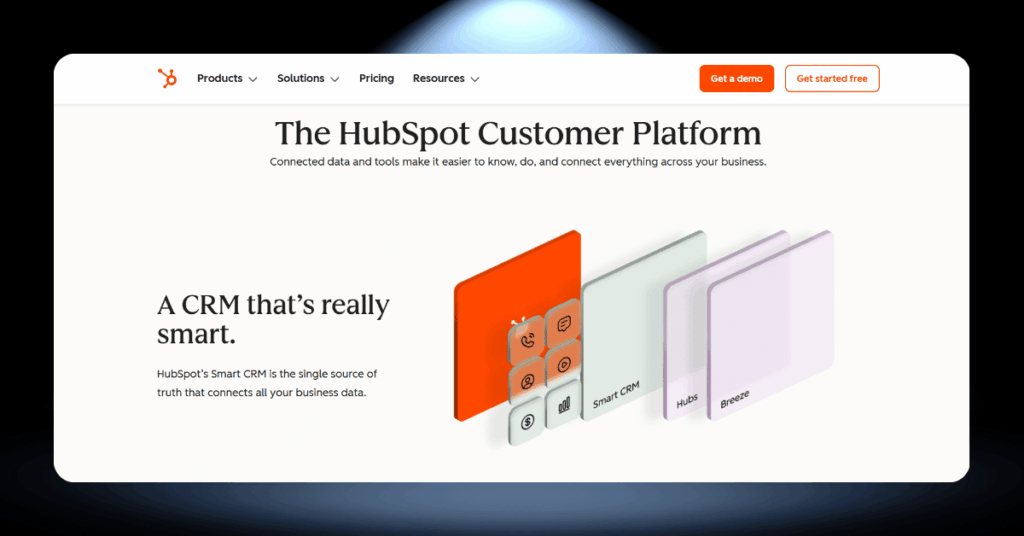
At its core, HubSpot is a cloud-based customer platform that brings your marketing, sales, service, content, data, and commerce tools together under one roof. Rather than stitching five or six separate apps together, everything runs through a single shared database called the Smart CRM.
The whole thing was built on an idea called “inbound marketing.” Instead of chasing customers with cold calls and interruptive ads, you attract them by creating genuinely useful content and experiences. That philosophy still drives the platform today.
What makes HubSpot click is the shared contact record. When a visitor fills out a form, their activity is tracked and visible to every team. Your marketing people, sales reps, and support agents all look at the same timeline, so nobody asks “has this person talked to us before?”
The short version: HubSpot is an all-in-one customer platform with six product “Hubs” (Marketing, Sales, Service, Content, Data, Commerce) that share a single CRM database, so every team works from the same customer information.
What is HubSpot Used For?
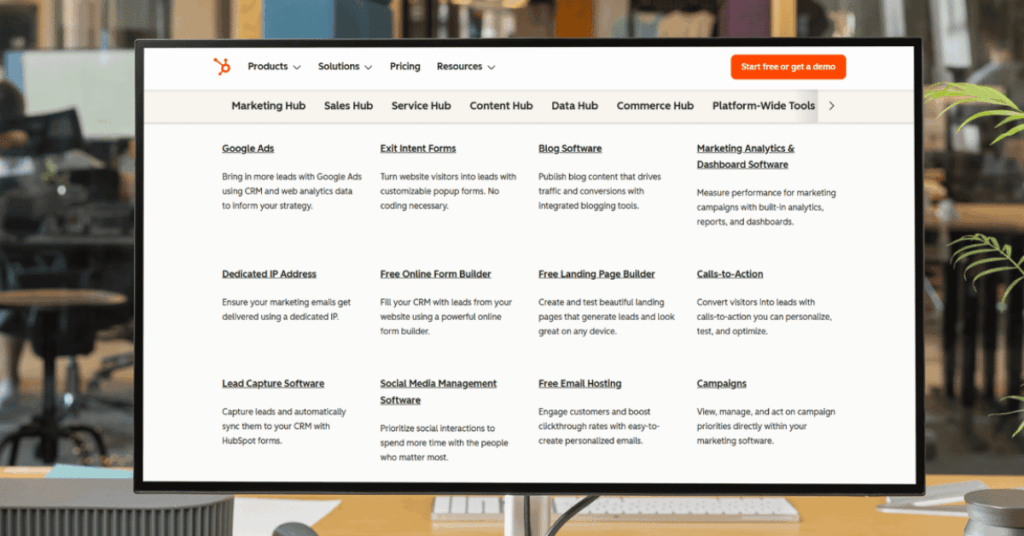
HubSpot is not a single tool. It is a collection of products, and most businesses adopt it to solve one or two specific problems before expanding into the rest of the platform. Here are the five most common use cases we see.
These five use cases cover the bulk of what businesses do with HubSpot, but the platform also handles quotes, invoices, and payments through Commerce Hub, which rounds out the full customer lifecycle from first click to collected revenue.
Key takeaway: HubSpot is not just one tool. It is a connected platform where marketing, sales, service, content, and data all share the same source of truth.
HubSpot Company Overview and Background
| Detail | Info |
|---|---|
| Founded | 2006, Cambridge, Massachusetts |
| Founders | Brian Halligan and Dharmesh Shah (MIT graduates) |
| Customers | 258,000+ across 120+ countries |
| Annual Revenue | $2.6 billion+ |
| Employees | 7,000+ |
| Products | 6 Hubs (Marketing, Sales, Service, Content, Data, Commerce) |
| Stock Exchange | NYSE (publicly traded since 2014) |
Halligan and Shah met as graduate students at MIT and noticed that buyers were tuning out traditional advertising in favor of finding solutions on their own terms. They called their approach “inbound marketing,” and it became the foundation for everything HubSpot would build.
The company started with a simple blog and a marketing tool for small businesses. The launch of a free CRM in 2014 removed the biggest barrier to adoption and brought hundreds of thousands of new users onto the platform.
Today HubSpot has grown from that single marketing tool into a full customer platform with AI-powered features, a marketplace of over 1,500 integrations, and one of the largest CRM ecosystems in the world.
How Does HubSpot Work in Practice?
Everything in HubSpot connects through one shared database called the Smart CRM. Every contact, company, deal, and ticket lives there, and every Hub reads from and writes to it.
Here is what each of HubSpot’s six Hubs does in practice and how they function together as one system.
Marketing Hub (Campaigns, Automation & Lead Nurturing)
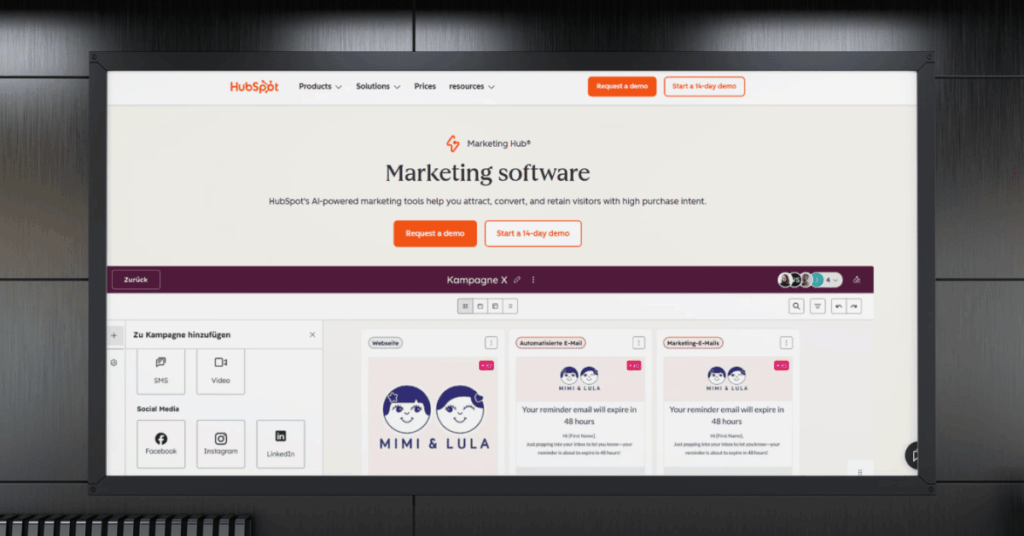
How it works: You build landing pages, email sequences, social posts, blog content, and paid ads from one dashboard. When a visitor fills out a form, workflow automation can tag them, nurture them, score them, and notify your sales team instantly.
Why it matters: Because everything feeds into the Smart CRM, you can trace a closed deal back to the exact blog post or ad that started the relationship. Marketing stops being guesswork and becomes a provable revenue driver.
Sales Hub (Pipeline Tracking, Sequences & Deal Management)
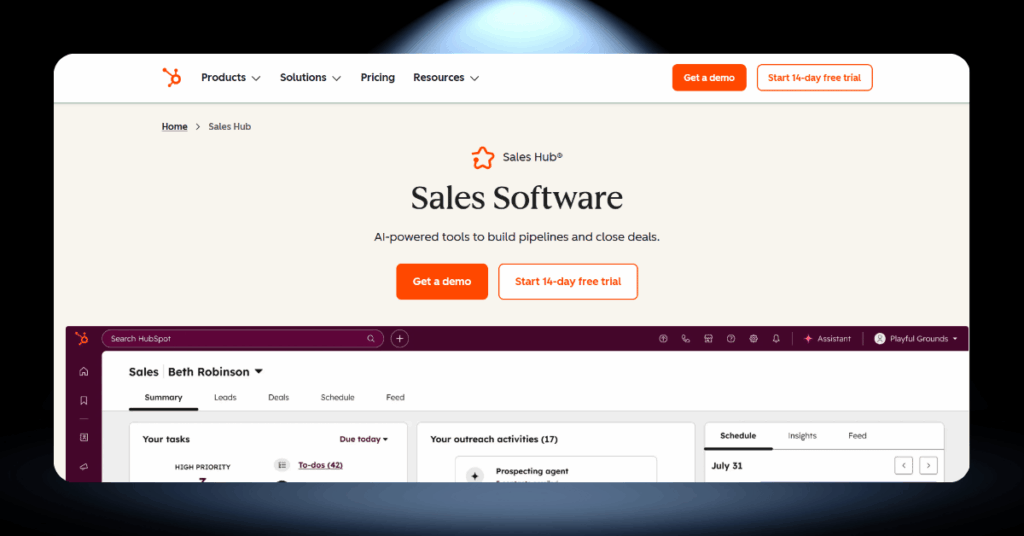
How it works: Your reps get a visual deal pipeline that tracks every opportunity from first conversation to signed contract. Every email, call, and meeting is logged automatically, and when marketing qualifies a lead, Sales gets an instant notification with the full engagement history.
Why it matters: Reps walk into every call already knowing what the prospect has read, clicked, and downloaded. Your sales manager gets accurate forecasting data without anyone manually updating spreadsheets.
Service Hub (Ticketing, Live Chat & Customer Feedback)
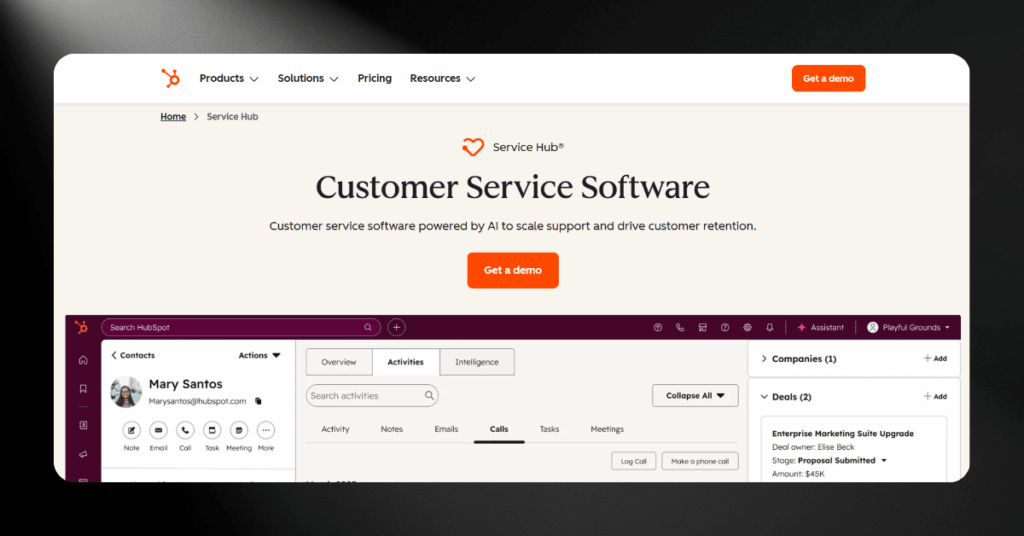
How it works: Ticketing, live chat, knowledge bases, feedback surveys, and conversation routing all live in one place. When a customer reaches out, HubSpot pulls up their complete history so your team never asks them to repeat themselves.
Why it matters: If a support conversation reveals an upsell opportunity, the rep can create a deal right from the ticket. Recurring complaints flow into shared dashboards, so leadership spots patterns before they escalate.
Content Hub (Website, Blog & SEO Management)
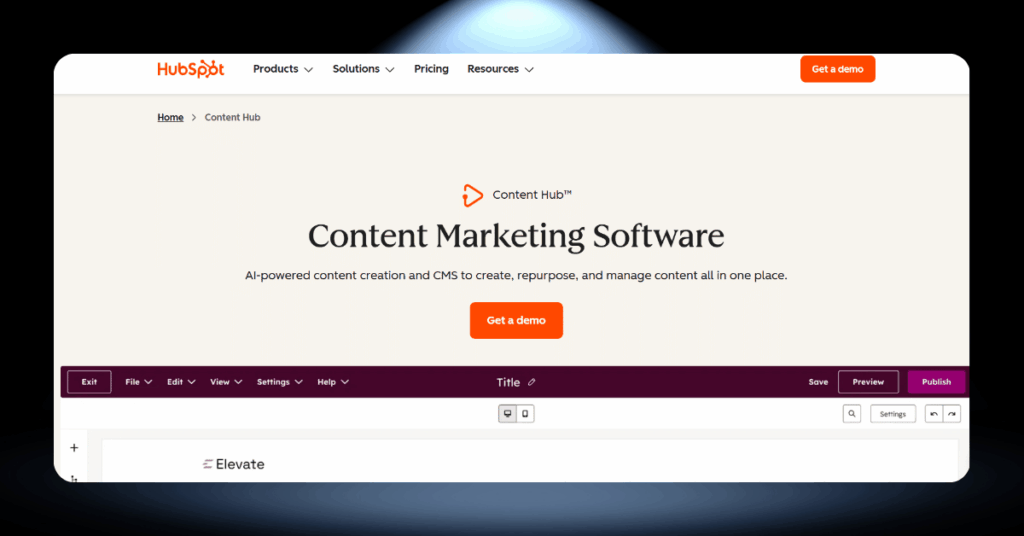
How it works: You build and manage your website, blog, and landing pages using drag-and-drop tools, pre-built themes, and built-in SEO recommendations. Smart rules can show different content to different visitors based on their lifecycle stage or past behavior.
Why it matters: Every page feeds performance data straight back into the Smart CRM. You see not just traffic numbers but which content pieces are actually generating contacts and pipeline.
Data Hub (Syncing, Cleansing & Data Automation)
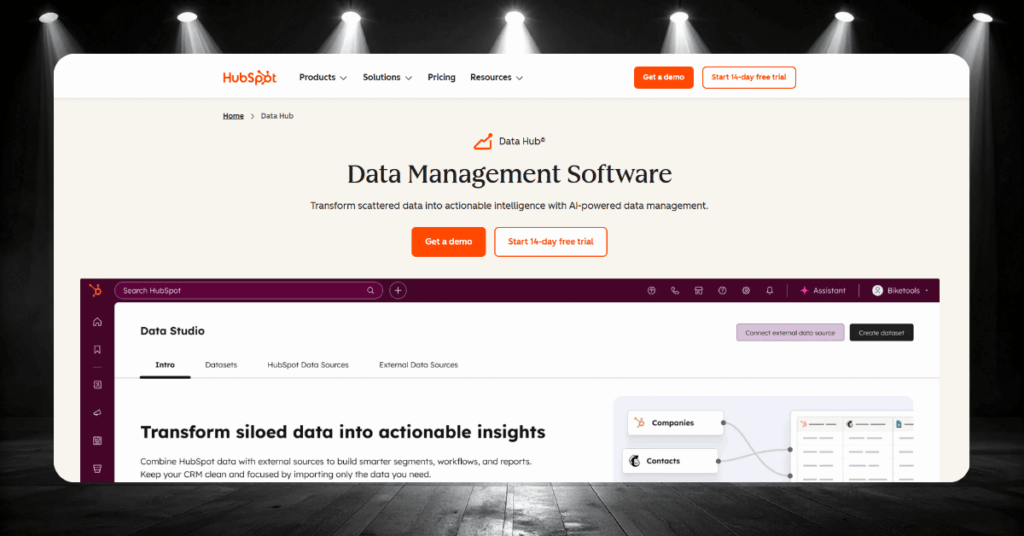
How it works: Data Hub syncs records between HubSpot and third-party apps, automatically formats messy data, deduplicates contacts, and catches formatting conflicts in real time before they cause problems in your reporting or automation.
Why it matters: Clean data in means accurate reporting and reliable automation out. Without it, every dashboard and workflow you build is only as good as the messy records feeding it.
Commerce Hub (Quotes, Invoices & Payments)
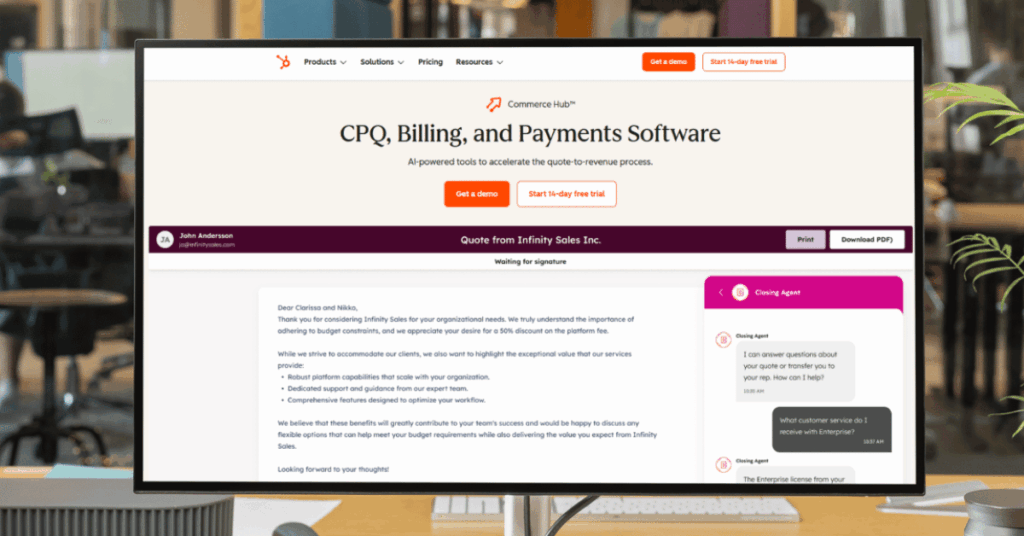
How it works: Quotes and invoices are generated directly from deal records. You collect payments through Stripe or HubSpot Payments and manage subscription billing without leaving the platform.
Why it matters: Your sales and finance teams share a single source of truth on every deal’s payment status. Commerce Hub has no monthly fee on its own, so core features are free.
Who Actually Uses HubSpot?
HubSpot is not just for tech startups or tiny marketing teams. Companies of all sizes and across wildly different industries run their customer operations on the platform.
Here are three brands that show just how versatile it can be.
Example #1: Casio (casio.co.uk)

Casio UK and Ireland needed to bridge the gap between its marketing and sales departments across its calculator, watch, and musical instrument divisions. Their previous custom-built CRM gave no clear picture of prospects from first touch to closed deal. After switching to HubSpot, they saw a 27% growth in eCommerce customers, a 496% increase in leads, and 12% traffic growth within a single year.
Unified marketing across product lines
HubSpot gives Casio one place to nurture leads with personalized content, automate campaigns across divisions, and track every interaction from first click to closed deal. Instead of each product team running its own scattered tools, everything flows through a single CRM.
That visibility is what let them finally connect marketing spend to actual revenue across all three business units.
Key result: 27% eCommerce customer growth, 496% more leads, and 12% traffic increase in one year.
Example #2: Suzuki South Africa (suzukiauto.co.za)
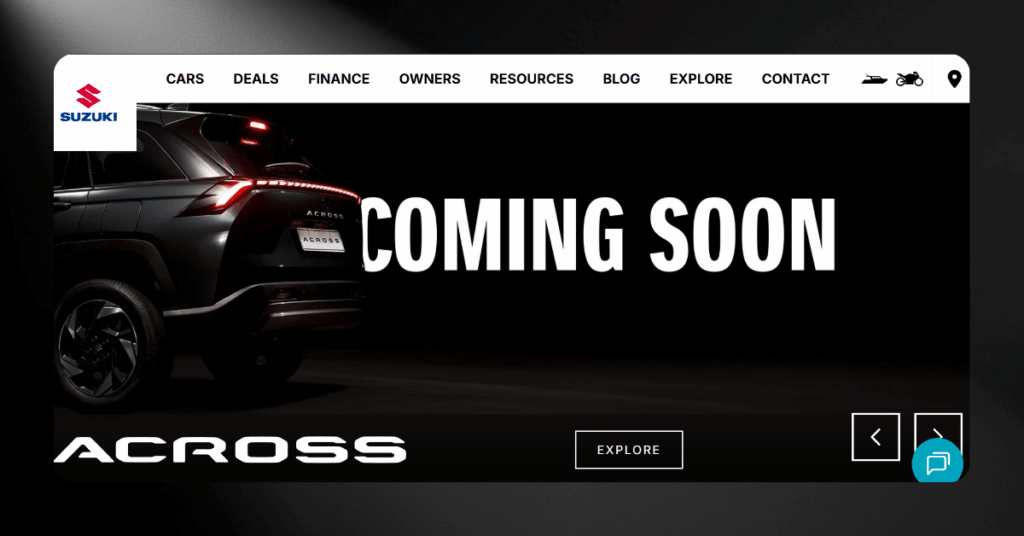
When Suzuki South Africa faced a major cut to its marketing budget, the brand ditched traditional TV advertising for a data-driven digital strategy powered by HubSpot. The result was a 21% increase in vehicle sales in a declining market, a 154% increase in leads, and social media driving 1,509% more website traffic.
Turned a budget cut into a sales engine
HubSpot’s workflows let Suzuki create content around buyer personas, nurture prospects automatically, and prove to dealerships exactly which campaigns were converting. What used to take a large media budget now runs on automation and targeted content.
The analytics gave their marketing team hard numbers to back up every decision, which changed the entire conversation with leadership.
Key result: 21% sales increase in a declining market, 154% more leads, and 1,509% more social traffic.
Example #3: Motorola Solutions (motorolasolutions.com)
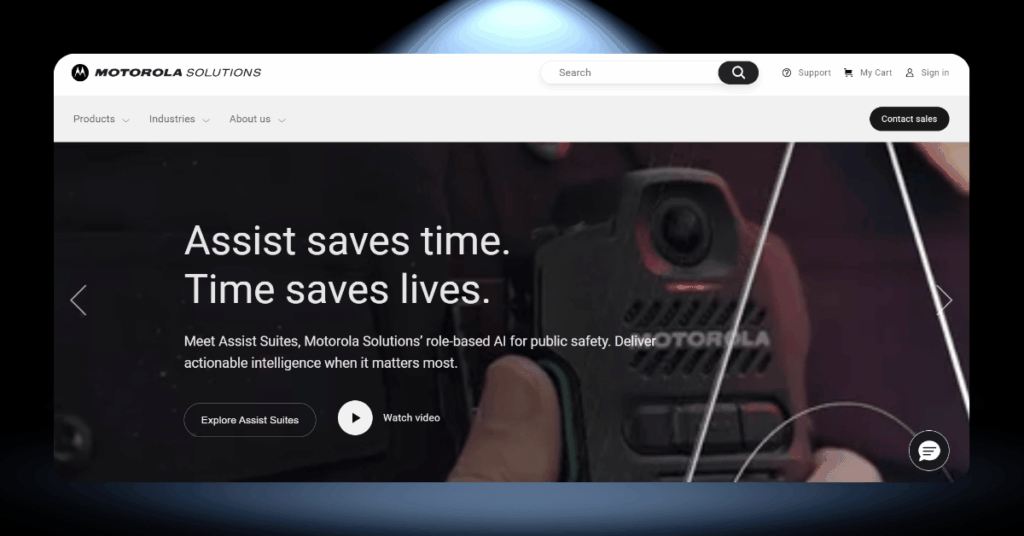
The global communications company used HubSpot to unify over 123,000 customer records and give its marketing team real-time access to trusted, clean data. One campaign uncovered a major cross-sell opportunity that had been invisible before, generating millions in new revenue from existing customers.
Clean data for smarter campaigns
HubSpot’s Data Hub connected Motorola’s scattered records so their marketers could act on reliable data instead of guessing. Before the switch, different teams were working from conflicting spreadsheets with no single source of truth.
Now the marketing team moves faster because they trust the numbers behind every decision they make.
Key result: 123,000+ records unified, a major cross-sell opportunity uncovered, and millions in new revenue.
Key Advantages and Disadvantages of Using HubSpot
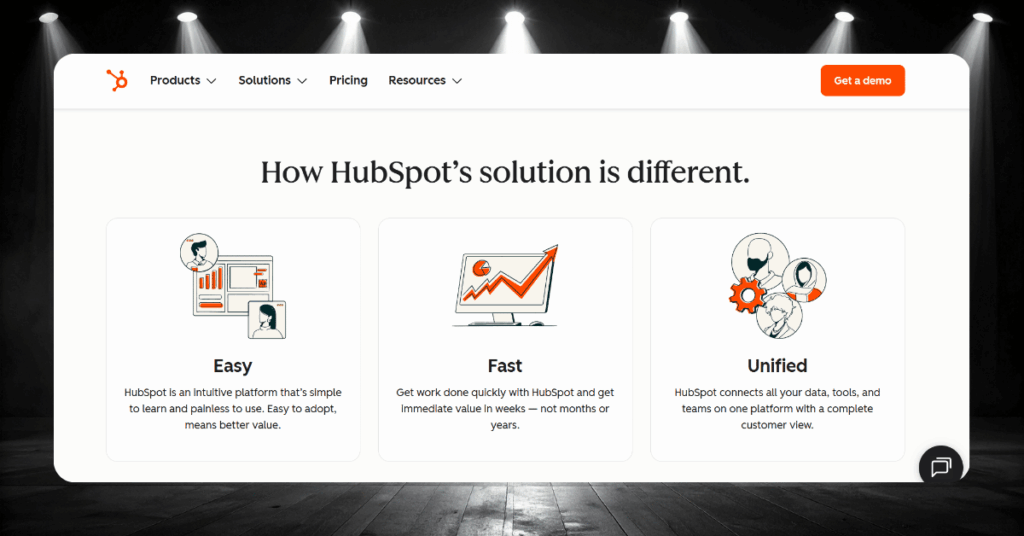
No platform gets everything right, and HubSpot is no exception. It does a lot of things brilliantly well, but it also has real limitations that could be dealbreakers depending on your business.
Here is an honest look at both sides so you can decide with your eyes open.
- Generous free tier with CRM, email marketing, forms, landing pages, and live chat
- All-in-one architecture that eliminates data silos between teams
- Non-technical users can build workflows, emails, and reports without developer help
- HubSpot Academy offers free certifications that carry real weight in the job market
- Over 1,500 integrations in the HubSpot marketplace
- AI tools baked into the platform through Breeze, not bolted on as extras
- Pricing escalates quickly from Starter to Professional tiers
- Mandatory onboarding fees add thousands upfront on higher plans
- Advanced customization is limited compared to Salesforce for complex enterprise workflows
- Some critical features like full automation are locked behind expensive tiers
- Professional and Enterprise plans require annual commitments with no monthly option
- Reporting can feel restrictive for teams used to fully custom BI tools
The pattern is clear: HubSpot is strongest for small to mid-sized teams that want speed, simplicity, and tight integration between departments. The further you push into enterprise territory with complex approval chains and deep customization, the more you will bump into its ceiling.
Bottom line: If your priority is getting marketing, sales, and service teams onto one platform fast, HubSpot is hard to beat. If you need heavy enterprise customization from day one, it may not be the right fit.
How to Get Started with HubSpot
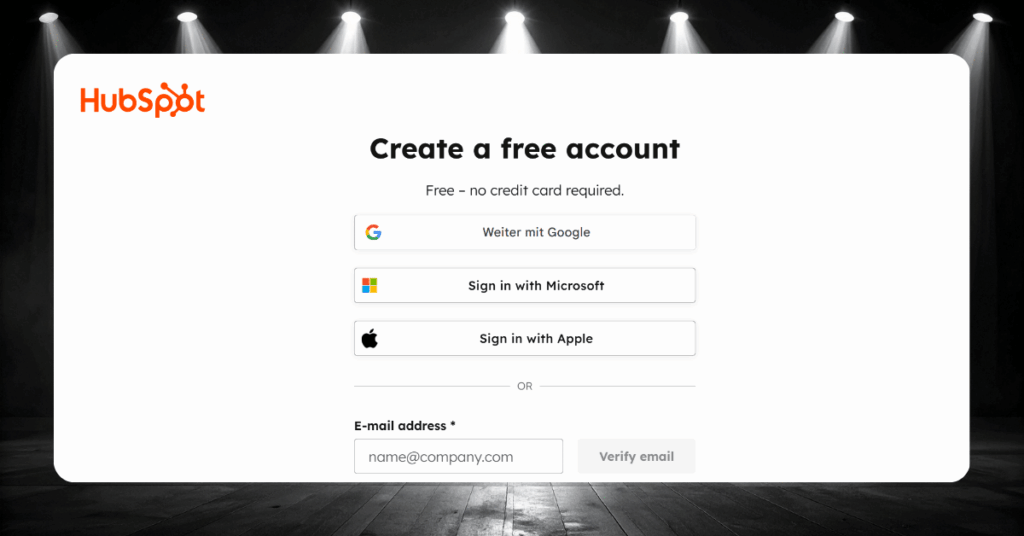
You do not need to buy a paid plan or hire a consultant to get HubSpot up and running. The platform is designed so you can start for free and build from there.
Here are the seven steps that will take you from a blank account to a working CRM with leads flowing in.
- Step 1: Sign up for a free account at hubspot.com. No credit card needed.
- Step 2: Import your existing contacts via CSV or a direct CRM integration.
- Step 3: Customize your sales pipeline stages to match your actual process.
- Step 4: Connect your Gmail or Outlook email and calendar.
- Step 5: Build your first lead capture form and landing page.
- Step 6: Create a simple follow-up workflow to automate your first email.
- Step 7: Set up a reporting dashboard and start tracking what matters.
Most teams can complete these steps in a single afternoon and have a working CRM capturing leads by the end of the day.
Tip: Do not try to set up everything at once. Get the basics running first, then add complexity as your team gets comfortable with the platform.
HubSpot FAQ
Let’s Get Your HubSpot Running
Getting HubSpot right from the start saves you months of rework and thousands in wasted spend. The wrong setup, missed integrations, or a poorly configured pipeline will hold your team back long after launch day.
Whether you are evaluating HubSpot for the first time, struggling to get results from your current setup, or planning a migration from another platform, CRM360 can help. Our 30 specialists handle HubSpot strategy, implementation, customization, and ongoing optimization. Get in touch with our team today.