7 Best CRM for Construction in 2026 (Decision Guide)

Picking a CRM for construction feels overwhelming. Dozens of platforms, confusing pricing, and bold promises that rarely mention contractors, bid tracking, or field teams.
This guide gives you an honest comparison of seven platforms that actually serve construction companies, with real pricing, pros and cons, and recommendations based on company size.
We have worked with construction teams of every size. The patterns behind CRM success are surprisingly consistent.
Why Trust Us on Construction CRMs
Our 30 specialists have delivered over 200 projects across Salesforce, HubSpot, and industry-specific crms. No vendor holds a stake in our agency. Our recommendations are driven by what fits the client, not by partnerships.
Need Help Choosing a Construction CRM?
The wrong platform costs more than the subscription. We help contractors select and customize a CRM that fits their workflows. Get in touch here for a free consultation.
Best CRM for Construction Comparison
Before diving into detailed reviews, here is a quick snapshot of all seven platforms. This table gives you the highlights at a glance so you can narrow your shortlist before reading further.
| CRM | Best For | Starting Price | Free Plan | Mobile App | Construction-Specific | Setup Difficulty |
|---|---|---|---|---|---|---|
| Salesforce | Enterprise Scale | $25/user/mo | Yes (limited) | Yes | No (customizable) | High |
| HubSpot CRM | Marketing & Sales | Free / $20/user/mo | Yes | Yes | No (customizable) | Low |
| Pipedrive | Pipeline Management | $14/user/mo | No | Yes | No (customizable) | Low |
| monday CRM | Visual Workflows | $12/user/mo | Yes (limited) | Yes | No (customizable) | Low |
| Procore | Large Projects | Custom quote | No | Yes | Yes | High |
| Buildertrend | Residential Builders | $99/mo (promo) | No | Yes | Yes | Medium |
| JobNimbus | Roofing & Exterior | $100/mo | No | Yes | Yes | Low |
Best Construction CRM Reviews

1) Salesforce: Best for Enterprise-Scale Construction Companies
Key Highlights
- Dedicated Engineering, Construction & Real Estate cloud
- AI-powered analytics with Salesforce Einstein
- Advanced bid tracking and territory management
- Thousands of third-party integrations via AppExchange
- Scales from small teams to global enterprises
Enterprise CRM With Construction DNA
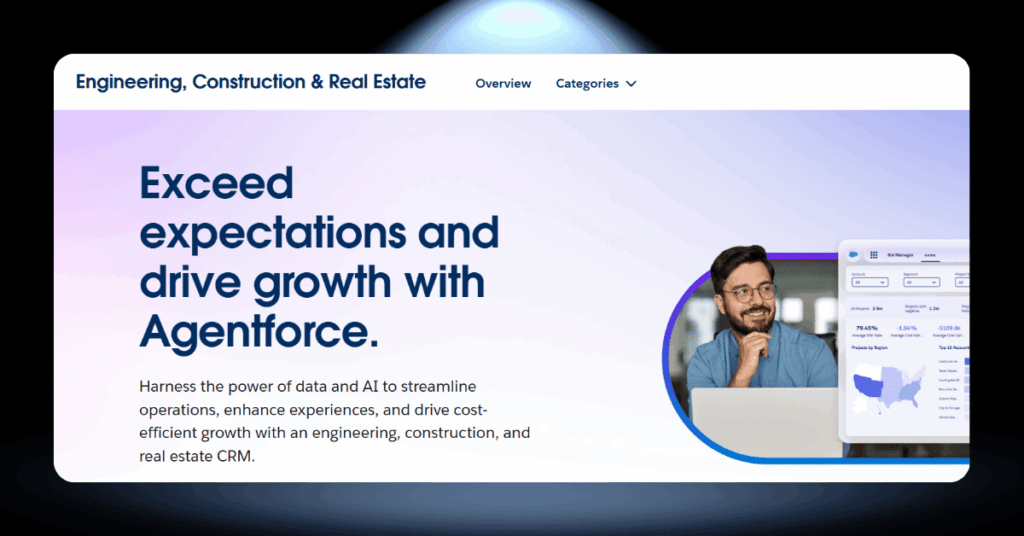
Salesforce is the world’s most widely used CRM, and for large construction companies with complex sales cycles and multiple stakeholders, it offers depth that smaller tools cannot reach. The Engineering, Construction & Real Estate cloud adds industry-specific functionality on top of that powerful engine.
Bid management, territory mapping, client lifecycle tracking, and automated quote generation all live inside the same ecosystem. If your firm manages relationships with owners, architects, subs, and government agencies simultaneously, Salesforce gives you the visibility to stay on top of every moving piece.
The trade-off is complexity. It typically requires a certified implementation partner and a real budget for configuration and training.
- Industry-specific construction cloud with tailored features
- Unmatched customization and workflow automation
- Powerful AI-driven reporting and forecasting
- Enormous app marketplace (AppExchange) for add-ons
- Proven track record with major construction firms worldwide
- Steep learning curve for new users
- Implementation costs can run $25,000+ for mid-size firms
- Per-user pricing adds up quickly with larger teams
- Requires ongoing admin support or a dedicated Salesforce role
- Overkill for small contractors and residential-only firms
Salesforce for Construction: Worth the Investment?
If you are a mid-to-large construction firm managing complex, multi-phase projects with long sales cycles, Salesforce delivers real competitive advantage. The analytics alone can reshape how you bid, win, and deliver work.
Honest Take: Salesforce is built for scale, and it performs best when you have the team and budget to use it properly. If you are a small contractor with a team of ten, this platform will feel like driving a semi truck to the corner shop. Save your money and start with something leaner.

2) HubSpot CRM: Best for Marketing-Focused Construction Firms
Key Highlights
- Free CRM tier with up to 1,000,000 contacts
- Built-in email marketing, forms, and landing pages
- Custom deal pipelines for bid tracking
- Mobile app for field updates
- Integrates with QuickBooks, Slack, and 1,500+ apps
Where Marketing Meets Construction Sales
HubSpot is not construction-specific, but that is part of its strength. It gives you a complete marketing and sales engine that most industry-specific CRMs cannot match. If your business depends on inbound leads, referral tracking, or email nurturing, HubSpot handles it all from one dashboard.
The free plan alone is generous: contact management, deal tracking, email templates, and basic reporting without spending a cent. Custom pipelines let you mirror your actual workflow, from initial inquiry through estimate, contract, and project completion.
For growing construction firms that want to attract clients rather than just manage them, HubSpot fills a gap that niche tools leave wide open.
- Generous free plan with robust features
- Excellent marketing automation and lead capture
- Highly customizable pipelines and deal stages
- Massive integration ecosystem (1,500+ apps)
- Intuitive interface with a short learning curve
- No built-in estimating, scheduling, or job costing tools
- Professional and Enterprise tiers get expensive fast
- Not construction-specific, so setup takes extra configuration
- Mandatory onboarding fees on higher plans
- Advanced reporting locked behind paid tiers
The Bottom Line on HubSpot for Construction
HubSpot is your best bet if generating and nurturing leads is a priority. It will not replace your project management software or handle job costing on its own. But as the front end of your sales funnel, it is genuinely hard to beat.
Our Verdict: If your construction firm’s biggest bottleneck is getting people through the door rather than managing them once they are in, HubSpot deserves a serious look. Pair it with a construction-specific project tool, and you have got a setup that covers the full picture without compromise.

3) Pipedrive: Best for Sales Pipeline Visibility
Key Highlights
- Visual drag-and-drop sales pipeline
- Starting at $14/user/month (billed annually)
- AI-powered sales assistant and deal summaries
- 400+ integrations including QuickBooks and Xero
- Mobile app with full CRM access on the go
A Sales-First CRM That Keeps Deals Moving
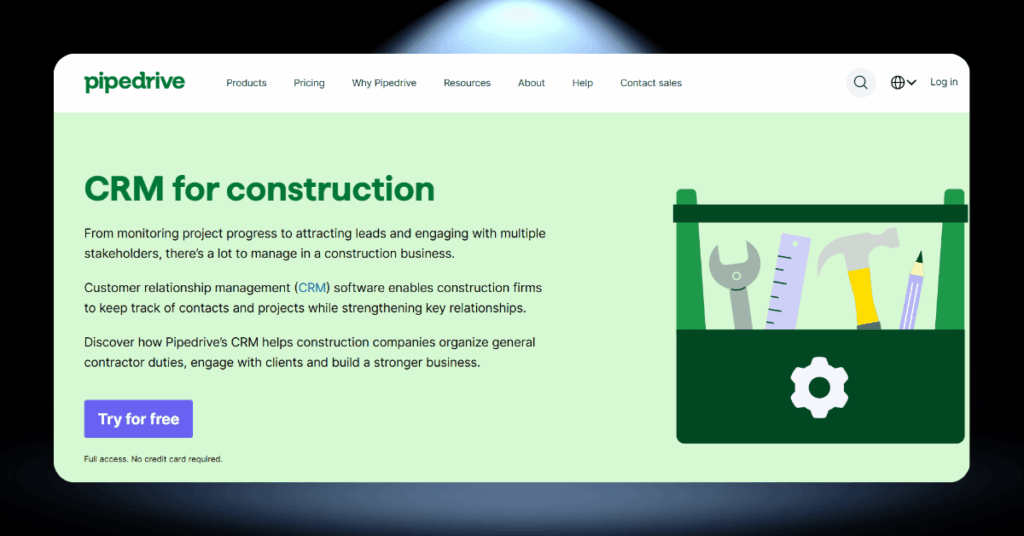
Pipedrive was built around one core idea: make your sales pipeline visible and actionable. For construction companies where every deal involves site visits, estimates, and follow-ups, that visual clarity is a real advantage. You can see exactly where each opportunity stands with a single glance.
The platform is lightweight and fast to set up. Most teams can be operational within a day or two. Custom fields let you capture construction-specific data like project type, square footage, and bid deadlines without needing a developer.
Pipedrive also tracks when prospects open your emails and documents, so you know exactly when to follow up on an estimate.
- Best-in-class visual pipeline for tracking deals
- Quick setup with minimal training required
- Affordable starting price for small teams
- AI-powered tips and deal prioritization
- Strong email tracking and document management
- No free plan (14-day trial only)
- No built-in project management or job costing
- Marketing features are limited compared to HubSpot
- Reporting is basic on lower-tier plans
- Not construction-specific, requires manual customization
Pipedrive for Contractors: Simple but Effective
Pipedrive is the right choice for small to mid-size construction companies that want a clean, focused sales CRM without the bloat of enterprise platforms. It will not manage your projects or track your subcontractors, but it will make sure no lead slips through the cracks.
Bottom Line: If your team’s biggest weakness is follow-up discipline and pipeline visibility, Pipedrive solves that problem affordably. For everything else, pair it with a construction-specific tool and you have got a solid, lean tech stack that punches well above its price tag.

4) monday CRM: Best for Visual Workflow Management
Key Highlights
- Highly visual board-based interface (Kanban, Gantt, calendar views)
- Customizable CRM templates for construction workflows
- Automations for task assignments and reminders
- Client portal for real-time project visibility
- 200+ integrations including Gmail, Outlook, and Slack
A Visual Board That Fits Your Workflow

monday CRM is not built exclusively for construction. But its no-code customization makes it one of the most flexible platforms on this list. You can set up boards that track everything from initial lead contact to punch-list completion without writing a single line of code.
Each board gives you a clear, colour-coded snapshot of where every deal, project, or task stands. For companies juggling multiple job sites and dozens of subcontractors, that visibility matters.
The automation engine handles repetitive work like assigning tasks when deals move stages and sending reminders before deadlines. It bridges the gap between basic CRM and project oversight naturally.
- Highly visual board-based interface (Kanban, Gantt, calendar views)
- Customizable CRM templates for construction workflows
- Automations for task assignments and reminders
- Client portal for real-time project visibility
- 200+ integrations including Gmail, Outlook, and Slack
- No construction-specific features out of the box
- Requires setup time to tailor boards for your needs
- Lacks built-in estimating, invoicing, or job costing
- Can become cluttered with too many boards and views
- Advanced features only available on higher-tier plans
Is monday CRM the Right Fit for Your Crew?
monday CRM is a strong pick for construction companies that want one central place to manage leads, track bids, and keep tabs on project progress without paying for a full-blown construction management suite. It works best for teams that value visual clarity and enjoy building their own systems.
Keep in Mind: If you need deep construction-specific tools like takeoffs, compliance tracking, or subcontractor COI management, monday will leave you wanting more. But if disorganized workflows and lost follow-ups are your biggest headache, this platform can sort that out quickly and affordably.
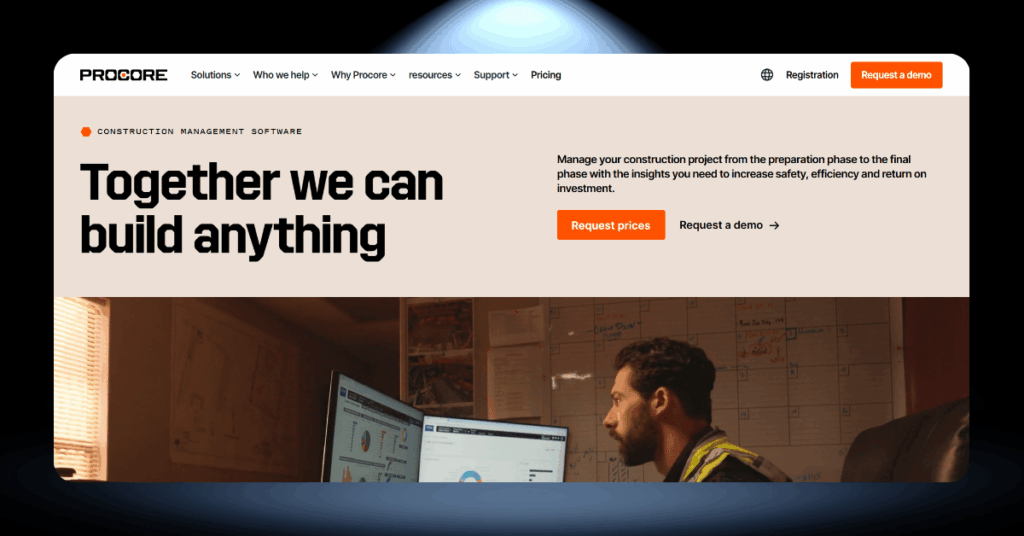
5) Procore: Best for Large-Scale Construction Projects
Key Highlights
- All-in-one construction management with built-in CRM
- Unlimited users included in every plan
- Manages RFIs, submittals, punch lists, and change orders
- Pricing based on annual construction volume (ACV)
- 2,000,000+ individual users globally
Construction-First, CRM Included
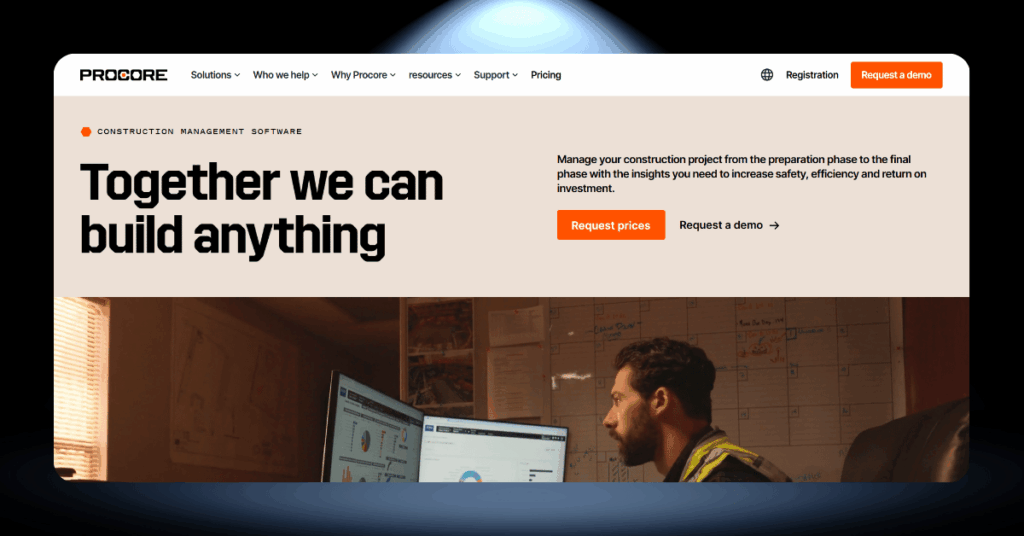
Procore is not a CRM that happens to work for construction. It is a construction management platform that includes CRM capabilities as part of its broader ecosystem. If your firm runs complex commercial projects with multiple stakeholders and detailed documentation requirements, Procore speaks your language from day one.
The unlimited user model is a genuine advantage. You can give everyone access, from project managers to subcontractors and clients, without worrying about per-seat costs eating into your margins.
The CRM component handles lead tracking and bid management. But the real value is how those features connect to scheduling, financials, and field reports across the platform.
- Purpose-built for the construction industry
- Unlimited users with no per-seat pricing
- Deep project management, document control, and financial tools
- Strong mobile app for field teams
- Integrates with hundreds of construction-specific apps
- No public pricing, requires a custom quote
- Annual fees can be substantial for high-volume firms
- Steep learning curve with a complex feature set
- CRM capabilities are less advanced than dedicated CRM platforms
- Better suited for commercial than small residential work
Should You Go All-In on Procore?
Procore makes the most sense for general contractors and commercial builders who want one platform to run their entire operation. The CRM piece is solid on its own, and it gets even stronger when connected to Procore’s project management and financial modules.
Reality Check: Smaller firms or those focused purely on residential work may find Procore too heavy and too expensive for what they need. But if your projects involve dozens of subcontractors, complex bid processes, and serious documentation requirements, Procore eliminates the chaos of juggling disconnected tools.

6) Buildertrend: Best for Residential Builders and Remodelers
Key Highlights
- CRM, project management, and financials in one platform
- Client portal for homeowner communication
- Built-in estimating, proposals, and contract management
- Unlimited users on all plans
- QuickBooks and Xero integration for accounting sync
One Platform From Lead to Walkthrough
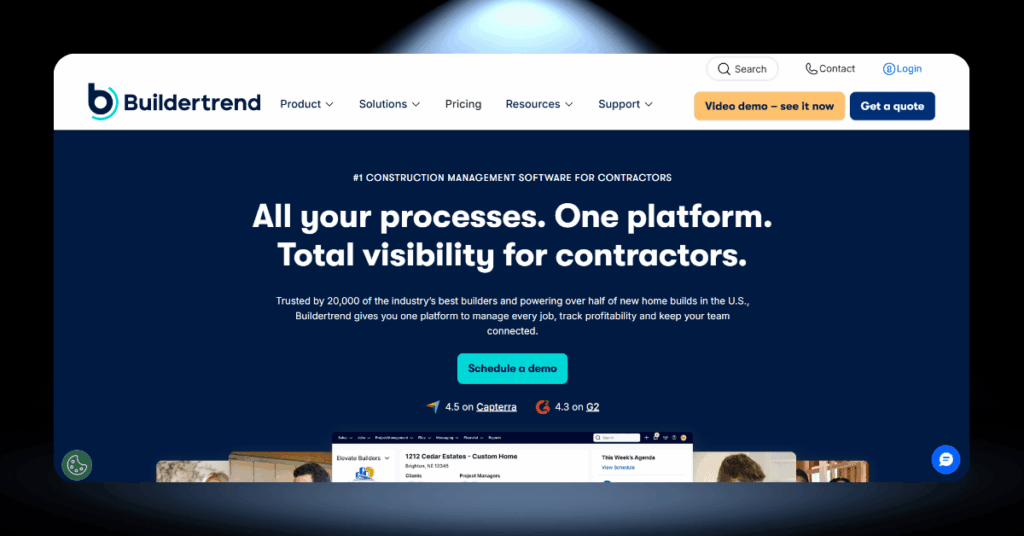
Buildertrend was designed with residential construction in mind, and it shows. The platform bundles CRM, project scheduling, client communication, job costing, and financial tools into a single subscription that covers the full lifecycle of a home build or remodel.
The client portal is a standout feature. Homeowners can view project progress, approve selections, sign documents, and ask questions, all without calling your office. That kind of transparency builds trust and cuts down on the constant status update requests that eat into your team’s productive time.
For builders closing three to thirty homes a year, Buildertrend hits a sweet spot between affordability and capability.
- Purpose-built for residential construction and remodeling
- Client portal reduces phone calls and boosts homeowner satisfaction
- Includes estimating, proposals, and selection management
- Unlimited users keep the whole team connected
- Solid scheduling and daily log features for field crews
- Not well suited for commercial or heavy civil construction
- Critical-path scheduling is basic compared to dedicated tools
- Integrations outside of QuickBooks and Xero are limited
- Onboarding can take time to fully configure for your workflow
- Annual pricing with introductory rates that increase after the promo period
Buildertrend: A Practical Choice for Home Builders
If residential construction is your bread and butter, Buildertrend delivers exceptional value. The CRM features handle your sales pipeline, while the project management side keeps jobs on track and clients informed.
Our Verdict: Buildertrend excels at what it was built for, and trying to force it into a different mold will only lead to frustration. Commercial contractors or firms that need deep CRM analytics and marketing automation should look elsewhere. But for home builders and remodelers, few platforms match this level of fit.

7) JobNimbus: Best for Roofing and Exterior Contractors
Key Highlights
- Built specifically for roofing and exterior trades
- Combined CRM and project management in one app
- Aerial roof measurements and supplier ordering built in
- Integrated estimating, invoicing, and payment collection
- Mobile app with strong field usability
Built for Crews Who Work on Rooftops
JobNimbus does not try to be everything to everyone. It focuses on roofing, siding, gutters, and exterior contractors, and it does that job very well. The platform combines CRM lead tracking with project management, estimates, invoicing, and even aerial measurements, all under one roof (pun fully intended).
The built-in estimating and invoicing tools let contractors go from lead to signed contract to paid invoice without ever leaving the platform. For high-volume residential crews dealing with storm season surges and insurance work, that kind of speed matters.
JobNimbus also integrates with SumoQuote for professional proposal generation and offers automated review requests to help build your online reputation after every completed job.
- Industry-specific workflows for roofing and exterior trades
- Aerial measurements save time and reduce on-site risk
- Quick estimate-to-invoice workflow keeps cash flowing
- Strong mobile app for field teams
- Automated review requests build online reputation
- Narrowly focused on roofing and exterior trades
- Interface can feel cluttered with too many open jobs
- Marketing and lead generation features are limited
- Reporting is basic compared to general-purpose CRMs
- Less suitable for general contracting or commercial work
JobNimbus: The Verdict for Roofing Contractors
If roofing or exterior contracting is your trade, JobNimbus is one of the most natural fits on this list. It removes the friction between winning a lead and collecting payment, which is exactly what matters when you are running a high-volume operation.
Where It Lands: General contractors and firms with diverse project types will find JobNimbus too narrow. But for roofers, siding crews, and exterior specialists, this is a tool that genuinely understands the work you do every day. If that is your world, it belongs on your shortlist.
How to Pick the Right CRM for Your Construction Business
Choosing a CRM is not really about features. It is about fit. The best platform in the world will not help your business if your team refuses to use it, or if it solves problems you do not actually have. Here are the questions that matter most when making this decision.
Match the Tool to Your Company Size
Company size is the single biggest factor most construction firms get wrong when choosing a CRM. A 10-person framing crew and a 200-person general contractor with offices in three states have wildly different needs, yet both end up browsing the same “best CRM” lists and making decisions based on feature counts rather than practical fit.
The truth is simpler than most vendors want you to believe. Small teams need speed and simplicity. Larger firms need depth and scalability. Buying outside your weight class in either direction leads to wasted money or painful migrations down the road.
General CRM vs. Construction-Specific Software
This is the fork in the road that trips up most construction companies. On one side, you have general-purpose CRMs like Pipedrive, HubSpot, and monday that are polished, affordable, and packed with integrations. On the other, you have construction-specific platforms like Buildertrend, JobNimbus, and Procore that speak your industry’s language from the start.
Neither path is universally better. The right choice depends on where your biggest pain points actually sit. If you are losing leads and bids because of disorganized follow-ups, a general CRM solves that quickly. If you are drowning in project coordination chaos, a construction-specific tool addresses the root cause faster.
Getting More From Your Construction CRM
Buying the right CRM is only half the battle. The other half is making sure your team uses it consistently and that the system keeps up with your business as it grows. Here is what that looks like in practice.
Setting Up Your CRM for Construction Success
The first 90 days with a new CRM determine whether it becomes a permanent part of your operation or another abandoned tool. Start with a clean data migration. Import your existing contacts, deals, and project history, but take the opportunity to clean out duplicates and outdated records first. A CRM filled with junk data is worse than no CRM at all.
Next, configure your pipelines and deal stages to match how your construction business actually works. Do not use the default sales stages that came with the software. Map out your real process, from initial inquiry through bid submission, contract signing, and project kickoff.
- Clean and deduplicate your data before training anyone
- Build deal stages that mirror your actual sales process
- Automate reminders for follow-ups and bid deadlines
- Create templates for estimates, proposals, and emails
- Assign clear ownership of every lead and deal
Worth Remembering: Your CRM is only as good as the data inside it. Spend the time upfront getting your records clean and your pipelines right, because fixing a messy system six months in is twice the work.
Connecting Your CRM to the Rest of Your Tech Stack
A CRM that lives in isolation is a CRM that loses value over time. The real power comes when your CRM talks to the other tools your company relies on: your accounting software, your project management system, your email platform, and your estimating tools.
Most modern CRMs offer native integrations or connect through tools like Zapier. The goal is to eliminate double data entry and create a single source of truth for client and project information across your entire business.
Connecting your CRM to QuickBooks, Xero, or your accounting system ensures that won deals automatically generate invoices and that payment status stays visible to your sales and project teams. This eliminates the gap between closing a deal and getting paid, which is a common cash flow bottleneck in construction.
For construction companies using separate field management tools, linking those systems to your CRM means that project updates flow back to client records automatically. When a project manager marks a milestone complete in the field, the CRM can trigger a client notification or update the deal status without anyone touching a keyboard.
Training Your Team and Driving Adoption
Your CRM fails if your team refuses to use it. Construction professionals will not adopt a tool unless they can see how it makes their job easier, not harder. Start with your sales team and estimators, show them the time savings, and expand from there once they are on board.
#1 Lead with quick wins
Show your team one feature that saves them time in their first week. Maybe it is automated follow-up reminders. Maybe it is the ability to pull up a client’s entire history from their phone at a job site. One tangible win creates more buy-in than any amount of training slides.
#2 Make data entry painless
If entering data into the CRM takes more effort than the old way of doing things, your team will resist. Use mobile-friendly forms, voice-to-text notes, and automated data capture to reduce friction. The less typing required, the better your adoption rates will be.
#3 Build accountability into the process
Make CRM usage part of your sales meetings and pipeline reviews. When your team knows that deal updates and activity logs will be discussed every week, consistent usage becomes a professional expectation rather than an optional chore.
Construction CRM FAQ
Let Us Set Up Your CRM Right
Picking a CRM is a big decision. Getting it wrong costs time, money, and team morale. Getting it right gives your construction business a competitive edge that compounds year after year.
Our team at CRM360 helps construction companies select, implement, and optimize CRM platforms every day. We are vendor-neutral, which means we recommend what works for you, not what pays us.
Get in touch through our contact form and tell us about your business. We will point you in the right direction.