7 Best HubSpot Alternatives for 2026

You keep hearing that HubSpot is the gold standard for CRM. But if you’ve looked at its pricing page, you know things get expensive fast. The Starter plan sits at $20/month per seat, but real automation and custom reporting push that to $90+ per user.
That’s why so many teams are searching for the best HubSpot alternatives. Not because HubSpot is bad, but because it might not match their budget or workflow. Below, we compare seven strong options side by side.
Why Trust Us on HubSpot Alternatives
Our 30 CRM specialists have delivered 200+ successful projects across every major platform. We hold 15+ certifications and no vendor has a stake in our agency. That’s why our alternative recommendations are based on fit, not partnerships.
Get Help Choosing a HubSpot Alternative
Comparing CRM platforms without hands-on experience across them is a slow, risky process. We do this every day for businesses of all sizes. Reach out for free through our contact page.
Why Teams Outgrow HubSpot
Nobody leaves HubSpot on a whim. Something has to break first.
Usually it’s the pricing. What started as an affordable CRM quietly balloons once you add seats, unlock features, and cross contact thresholds. Suddenly your “free CRM” costs more than some enterprise platforms.
Other times it’s about flexibility. HubSpot works brilliantly when your processes fit its structure. But the moment you need something custom, you hit walls.
Keep in mind: Switching CRMs is a big decision, and the wrong move can cost more than staying put. Before you start comparing alternatives, write down exactly which problems you need solved. That short list will save you weeks of second-guessing later.
Picking the Right HubSpot Alternative
The worst way to choose a CRM? Chasing feature lists. The best way is matching a platform to how your team actually works.
Here’s what matters most when evaluating options:
- Total cost at your team size, not just the starting price
- Native integrations with tools you already rely on
- Customization depth for your specific sales or support workflows
- Onboarding complexity, because a powerful CRM nobody uses is worthless
Beyond features, think about where your company is heading. A platform that fits your 20-person team today might crumble at 200.
And don’t overlook the migration itself. Some platforms make it painless to import HubSpot data. Others turn it into a months-long project.
Pro tip: Most CRM vendors offer free trials or sandbox environments. Before committing, have your actual sales reps test it for a week, not just your managers. The people using it daily will spot dealbreakers that demos never reveal.
Best HubSpot Alternatives Comparison
| CRM Platform | Best For | Starting Price (per user/mo) | Free Plan | Key Strength | Biggest Limitation |
|---|---|---|---|---|---|
| Salesforce | Enterprises & complex sales | $25 | Yes (limited) | Unmatched customization & scale | Steep learning curve & cost |
| Zoho CRM | Budget-conscious SMBs | $14 | Yes (up to 3 users) | Feature-rich at low cost | Interface can feel cluttered |
| Pipedrive | Sales-focused teams | $14 | No (14-day trial) | Visual pipeline & ease of use | Limited marketing features |
| Freshsales | AI-powered sales teams | $9 | Yes (up to 3 users) | Built-in phone, email & AI | Fewer third-party integrations |
| ActiveCampaign | Email marketing & automation | $15 | No (14-day trial) | Best-in-class automation builder | No free plan, CRM is add-on |
| Microsoft Dynamics 365 | Microsoft ecosystem businesses | $65 | No (30-day trial) | Deep Microsoft integration | Complex licensing & pricing |
| EngageBay | Startups & small teams | $14.99 | Yes (up to 15 users) | All-in-one at startup prices | Less mature feature set |
The Top 7 Best HubSpot Alternatives
1) Salesforce: For Enterprises That Need Unlimited Customization
Why Choose Salesforce Over HubSpot?
- Far deeper customisation through custom objects, Apex code, and AppExchange
- Scales to enterprise level without hitting feature or data ceilings
- AI-powered analytics and forecasting through Einstein
- Industry-specific CRM solutions built into the platform
- Thousands of certified consulting partners for implementation support
What Salesforce Actually Delivers
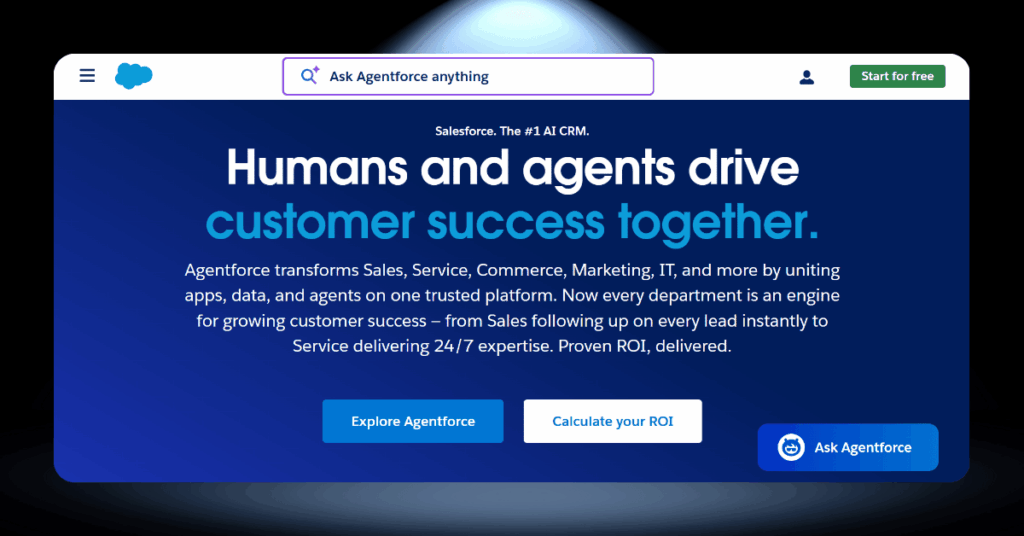
Salesforce is the biggest CRM platform in the world for a reason. The Starter Suite begins at $25/user/month for basic sales, service, and marketing tools. But the real power sits at the Pro Suite ($100/user/month) and Enterprise ($165/user/month) levels, where you unlock advanced workflow automation, API access, and customisable approval processes.
AppExchange offers over 7,000 apps and integrations, and Einstein AI delivers predictive lead scoring and sales forecasting. That said, most businesses need a certified partner or admin to get the most out of it.
The Pros and Cons of Salesforce
- Near-unlimited customisation
- Largest third-party app marketplace
- Enterprise-grade security and compliance
- Powerful AI forecasting and lead scoring
- Proven at every company size and industry
- Steep learning curve
- Total cost of ownership climbs fast
- Requires admin or consulting support
- Can overwhelm smaller teams
- Rigid annual contracts
Is Salesforce Worth the Investment?
If your business has complex sales cycles, multiple departments using CRM data, or plans to scale aggressively, Salesforce is hard to beat. But if you are a small team looking for something quick and simple, the cost and complexity may outweigh the benefits. Be honest about what you need today and where you are headed.

2) Zoho CRM: For Budget-Conscious Teams That Still Want Power
Why Choose Zoho CRM Over HubSpot?
- Significantly cheaper at every pricing tier
- Free plan for up to 3 users with basic automation included
- Deep customisation options at mid-tier pricing
- Access to 50+ integrated Zoho business apps
- Built-in AI assistant (Zia) for lead scoring and predictions
Where Zoho CRM Stands Out

Over 250,000 businesses use Zoho CRM globally because it delivers enterprise-level features without the enterprise-level price tag. Standard starts at $14/user/month with sales automation and email tracking. Professional at $23/user/month unlocks Blueprint process management and SalesSignals. Enterprise at $40/user/month adds Zia AI and advanced analytics.
The broader Zoho ecosystem is a major draw. Zoho One bundles 50+ apps for around $45/user/month, which is a fraction of what separate vendors charge. The trade-off is a less polished interface that takes more time to configure.
The Pros and Cons of Zoho CRM
- Outstanding value at every pricing tier
- Genuinely useful free plan
- Highly customisable without developers
- Native integration with 50+ Zoho apps
- Affordable AI features through Zia
- Interface can feel cluttered
- Slow support on lower-tier plans
- Advanced features need time to configure
- Email marketing is not best-in-class
- Limited integrations outside the Zoho ecosystem
The Honest Verdict on Zoho CRM
If budget matters and you want a platform that can grow with you, Zoho CRM is one of the strongest options on this list. Just be prepared to invest a little more time upfront getting things configured. The payoff in savings and flexibility is well worth it.
3) Pipedrive: For Sales Teams That Want Simplicity and Speed
Why Choose Pipedrive Over HubSpot?
- Built by salespeople with a visual drag-and-drop pipeline
- Most teams are up and running within a single day
- Unlimited pipelines and contacts on all plans
- Transparent pricing with no hidden Hub upgrades
- Over 400 integrations including Slack, Zoom, and Zapier
What Makes Pipedrive a Sales Favourite
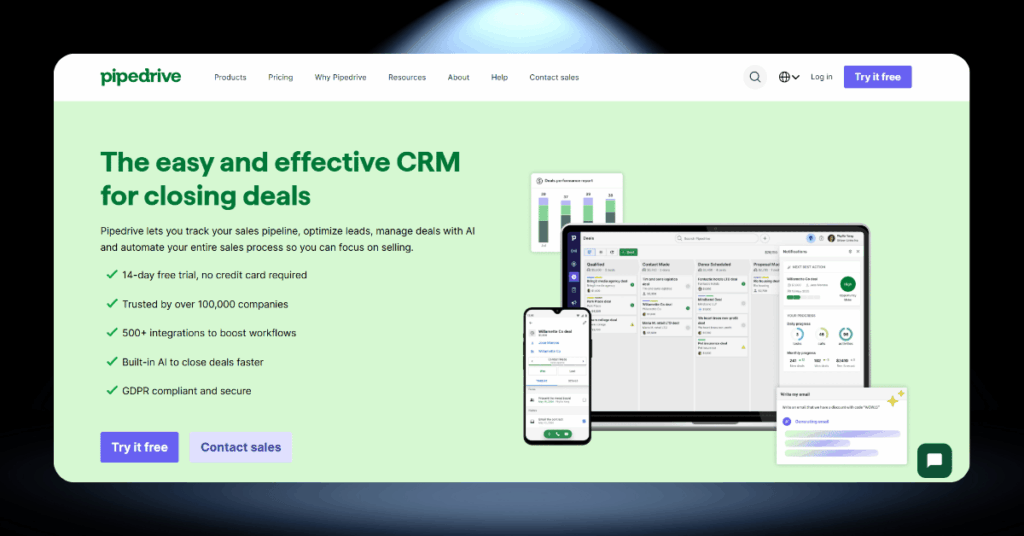
Over 100,000 companies use Pipedrive because it does one thing brilliantly: help sales teams close more deals. The Lite plan starts at $14/user/month with core pipeline management and reporting. Advanced at $34/user/month adds email sync, automation, and scheduling. Professional at $49/user/month is where most mid-sized teams land for deeper analytics.
Users love the visual pipeline interface that feels like moving cards on a board. The downside is that Pipedrive is laser-focused on sales, so you will need separate tools for marketing and support.
The Pros and Cons of Pipedrive
- Easiest CRM to learn and use
- Visual pipeline sales teams love
- Affordable, predictable pricing
- Strong mobile app for field sales
- 400+ integrations
- Very limited marketing features
- No free plan
- Basic reporting on lower tiers
- Add-ons increase the real cost
- Not an all-in-one platform
Should Sales Teams Bet on Pipedrive?
If your team lives and breathes deal flow and you want a CRM that stays out of the way while keeping your pipeline visible, Pipedrive is a fantastic choice. Just know that you will likely pair it with other tools for marketing and support.

4) Freshsales: For Growing Teams That Want Built-In AI
Why Choose Freshsales Over HubSpot?
- AI-powered lead scoring through Freddy AI on lower tiers
- Built-in phone, email, chat, and SMS inside the CRM
- Free plan for up to 3 users with a dialer and live chat
- Paid plans starting at just $9/user/month
- Native integration with the full Freshworks suite
How Freshsales Keeps Things Smart and Simple

What sets Freshsales apart is the built-in communication layer. You get phone, email, live chat, WhatsApp, and SMS all inside the CRM without third-party integrations. Growth starts at $9/user/month with visual pipelines and Freddy AI basics. Pro at $39/user/month unlocks multiple pipelines, advanced AI insights, and sales sequences.
Freddy AI is the real differentiator, analysing engagement signals to score leads and surface the most promising deals. Where Freshsales falls short is third-party ecosystem breadth compared to Salesforce or HubSpot.
The Pros and Cons of Freshsales
- One of the lowest entry prices available
- Built-in phone, email, chat, and SMS
- AI lead scoring that helps reps prioritise
- Clean, modern interface
- Responsive support on all plans
- Smaller third-party integration library
- Big price jump from Growth to Pro
- Only one pipeline on the lowest plan
- Advanced features locked behind Enterprise
- Fewer community resources than larger platforms
The Bottom Line on Freshsales
For small to mid-sized sales teams that want AI smarts and multichannel communication without the HubSpot price tag, Freshsales is a seriously strong contender. Just plan ahead for the mid-tier jump if your team is growing.

5) ActiveCampaign: For Businesses Where Email Marketing Comes First
Why Choose ActiveCampaign Over HubSpot?
- Best-in-class email automation with advanced branching and triggers
- Superior audience segmentation for hyper-targeted campaigns
- Marketing automation starting at $15/month for 1,000 contacts
- Pre-built automation recipes for quick workflow launches
- Sales CRM available as a flexible add-on
Why Marketers Swear by ActiveCampaign
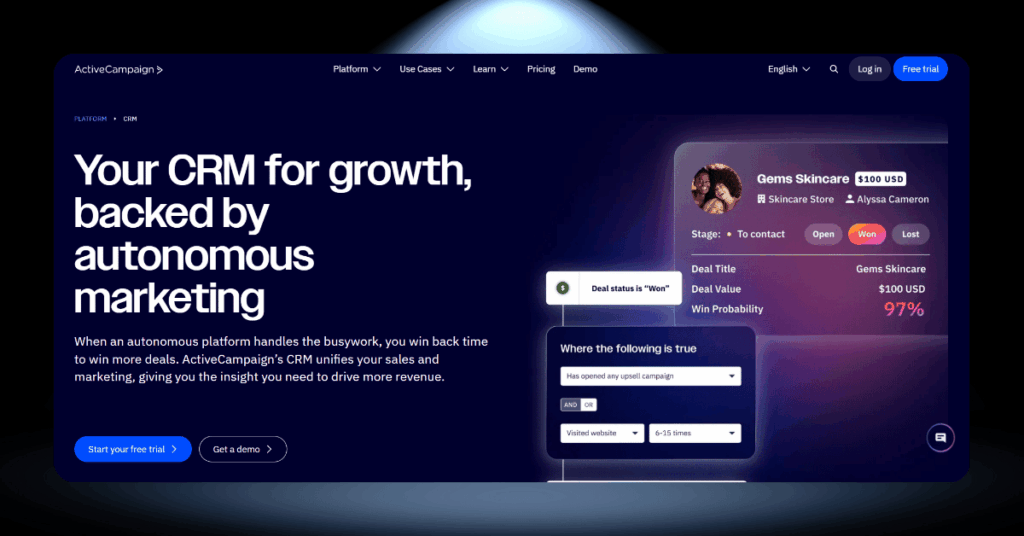
Over 150,000 customers in 170 countries use ActiveCampaign for one reason: unmatched email automation. Starter at $15/month covers campaigns and basic automation. Plus at $49/month unlocks the CRM, lead scoring, landing pages, and SMS. Professional at $79/month adds predictive sending and split automations.
The automation builder lets you create multi-step workflows that react to customer behaviour in real time. The CRM side is solid but secondary. If you need deep sales reporting and forecasting, pairing it with a dedicated sales tool is the smarter move.
The Pros and Cons of ActiveCampaign
- Best-in-class email automation
- Deep segmentation and personalisation
- Pre-built automation templates
- 950+ integrations
- Strong email deliverability
- No free plan
- CRM is an add-on, not the core product
- Steep learning curve for advanced automation
- Price rises as your contact list grows
- Reporting lacks CRM depth
Who Should Choose ActiveCampaign?
If email marketing is the engine of your business and you need world-class automation without paying HubSpot Marketing Hub prices, ActiveCampaign is the clear winner. Just treat the CRM as a bonus, not the main event.
6) Microsoft Dynamics 365: For Businesses Deep in the Microsoft Ecosystem
Why Choose Microsoft Dynamics 365 Over HubSpot?
- Seamless native integration with Outlook, Teams, Excel, and Power BI
- No-code and low-code customisation through Power Platform
- Modular licensing so you buy only what you need
- Copilot AI for real-time deal insights and automated summaries
- Enterprise-grade compliance for healthcare, finance, and governmen
Where Dynamics 365 Makes the Most Sense
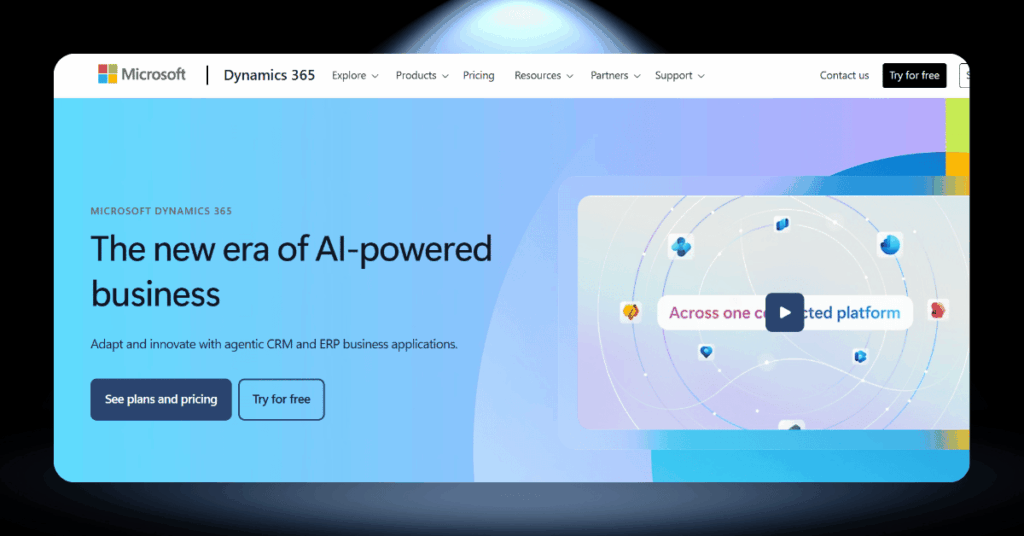
If your company already runs on Microsoft, Dynamics 365 fits like a missing puzzle piece. Outlook, Excel, Teams, and Power BI all connect to your CRM natively. Sales Professional starts at $65/user/month with core automation and forecasting. Sales Enterprise at $105/user/month adds relationship analytics and advanced sales intelligence.
Copilot AI can draft emails, summarise meetings, and surface deal risks from natural language prompts. The catch? The licensing structure is notoriously complex, and implementation typically requires a certified partner.
The Pros and Cons of Microsoft Dynamics
- Unmatched Microsoft ecosystem integration
- Powerful no-code customisation via Power Platform
- Copilot AI built in
- Modular, pay-for-what-you-use licensing
- Enterprise-grade compliance and security
- Confusing licensing structure
- Higher starting price
- Steep implementation curve
- Less intuitive for non-technical users
- Overkill for small teams
The Bottom Line on Dynamics 365
Microsoft Dynamics 365 is a serious, enterprise-grade platform that earns its price tag when deployed in the right environment. But if you’re a smaller team without a dedicated IT setup or Microsoft ecosystem already in place, the learning curve and cost will likely send you straight back to simpler ground.

7) EngageBay: For Startups That Want an All-in-One Platform on a Tiny Budget
Why Choose EngageBay Over HubSpot?
- True all-in-one CRM, marketing, sales, and support platform
- Free plan for up to 15 users
- Paid plans starting at just $14.99/user/month
- Built-in landing pages, email sequences, helpdesk, and live chat
- No surprise charges for basic features
Why Startups Keep Discovering EngageBay
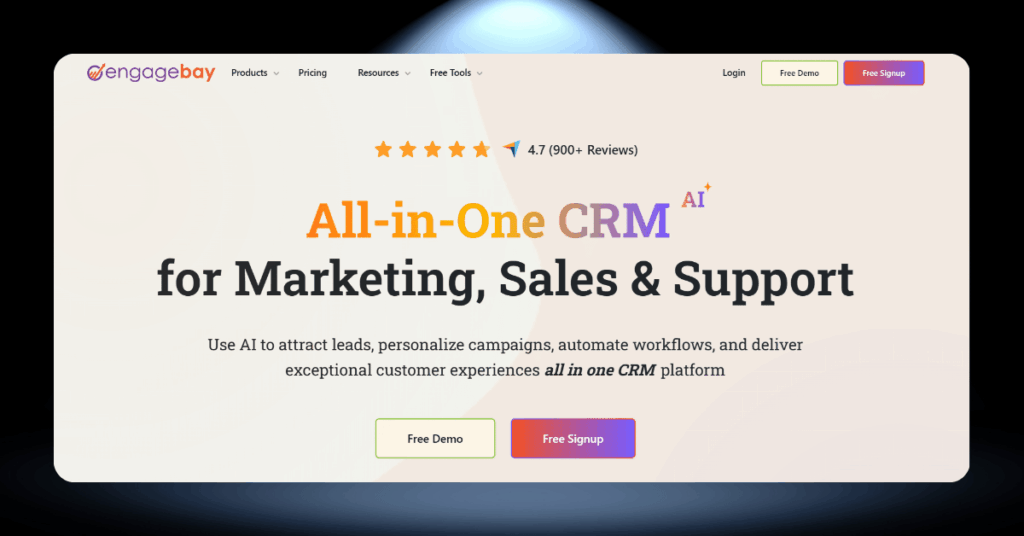
EngageBay was built for teams that refuse to choose between affordability and functionality. The free plan supports up to 15 users with email marketing, deal tracking, and a helpdesk. Basic at $14.99/user/month adds lead scoring, SMS, and custom deal milestones. Growth at $64.99/user/month unlocks marketing automation and A/B testing.
For startups on a tight budget, EngageBay replaces three or four separate subscriptions under one roof. The trade-off is maturity. Some features feel a step behind market leaders, and reporting could be more detailed.
The Pros and Cons of EngageBay
- Most generous free plan (up to 15 users)
- True all-in-one platform
- Extremely affordable paid plans
- Simple, clean interface
- Responsive support at every tier
- Feature depth behind established platforms
- Basic reporting and analytics
- Fewer third-party integrations
- Automation feels limited at scale
- Smaller user community and resources
Is EngageBay Right for Your Startup?
If you are a startup or small business that needs marketing, sales, and support tools without the cost of separate platforms, EngageBay delivers remarkable value. It is not the most powerful CRM on this list, but it might be the smartest investment for teams watching every pound and dollar.
Migrating Away From HubSpot the Right Way
Deciding to leave HubSpot is the easy part. Actually pulling it off without losing data, breaking workflows, or frustrating your team takes planning.
Whether you’re moving to Salesforce, Zoho, or any other platform on this list, a structured approach makes all the difference.
Planning Your Exit from HubSpot
Migrating away from HubSpot isn’t as simple as exporting a CSV and importing it somewhere else. The data is usually the easy part. What trips businesses up is everything around it: workflows, automations, custom properties, and integrations that took months to build.
Start by auditing every automation, workflow, and integration currently active in your HubSpot account. Document what each one does, which team relies on it, and whether it needs to be replicated in the new platform. This step alone prevents the most common migration mistakes.
Getting Your Team On Board
The technical migration is only half the battle. Your team has to actually use the new CRM, and that means tackling the human side of the switch with just as much care as the technical side.
Resistance is natural. People get comfortable with the tools they know, even when those tools aren’t perfect. The key is involving your team early, not announcing the switch after the decision is already made.
Set Up Your HubSpot Alternative for Success
Once your migration is done, the real work begins. The first few weeks with a new CRM set the tone for everything that follows, so it pays to be intentional about where you spend your energy.
Here’s how to make sure your HubSpot alternative starts delivering value from day one.
Quick Wins to Pursue in the First Month
After you’ve migrated, the temptation is to replicate everything you had in HubSpot exactly. Resist that urge. A new CRM is a chance to rebuild smarter.
Start with your highest-impact workflows. What are the three to five automations that directly affect revenue? Set those up first. Everything else can wait until your team is comfortable with the basics.
- Configure your sales pipeline stages to match your actual process, not a template
- Set up automated lead assignment rules so no inquiry falls through the cracks
- Build one reporting dashboard per role: sales rep, manager, and executive
- Connect your email and calendar integrations before anything else
- Create saved views and filters for your most common data lookups
Don’t overlook this: Most CRM platforms include features that overlap with tools you’re already paying for separately. Check whether your new CRM’s built-in calling, email marketing, or scheduling can replace a standalone subscription. That alone can save hundreds per month.
Ongoing Optimization That Actually Matters
Your CRM is not a “set it and forget it” tool. The businesses that get the best return on their CRM investment are the ones that treat it as a living system that evolves with their processes.
Schedule quarterly CRM reviews. Look at which features your team uses, which ones they ignore, and what gaps have appeared since launch. Talk to your sales reps, your marketing team, and your customer service people. They’ll tell you exactly what’s working and what isn’t.
Start with simple automations and build complexity over time. Automated follow-up sequences, deal stage notifications, and lead scoring rules are typically the highest-value automations for any sales team. Don’t try to automate everything at once. Pick one process, automate it well, measure the impact, and then move to the next.
Your CRM is only as useful as the data inside it. Establish clear data entry standards from day one. Define required fields, naming conventions, and duplicate management rules. Run monthly data health checks to catch issues before they compound. Clean data leads to accurate reports, which leads to better decisions.
Keeping CRM Costs Under Control Long-Term
CRM expenses have a habit of creeping upward when nobody’s watching. Unused licenses, forgotten add-ons, storage overages, and plan tiers that no longer match your actual usage. Running a simple quarterly audit catches these leaks before they drain your budget.
#1 Cancel unused seats
Every time someone leaves the company or changes roles, check whether their CRM license is still active. Most platforms charge per seat regardless of whether anyone logs in, so even one forgotten account wastes money every single month. Set a reminder to review your user list at the start of each quarter.
#2 Negotiate at renewal
CRM vendors expect some back-and-forth when your annual contract comes up. If you’ve been a reliable customer, ask for a discount, extra seats at the current rate, or premium support thrown in for free. The worst they’ll say is no, and more often than not, you’ll walk away with something.
#3 Right-size your plan
Don’t pay for Enterprise when Professional covers everything your team actually uses. Most CRMs include a feature usage dashboard that shows which tools get opened and which collect dust. Review it once a quarter and downgrade fearlessly if the numbers support it.
HubSpot Alternatives FAQ
Let’s Find Your Perfect Hubspot Alternative
Choosing the right CRM is a big decision. It shapes how your team sells, how your customers feel, and how fast your business can grow.
At CRM360, we help businesses navigate this choice every day. Whether you need a migration, a fresh implementation, or just an honest conversation about what platform fits your needs, we’re here for it.
Get in touch with our team and let’s build something that works for you.