HubSpot Pricing 2026: How Much Does HubSpot Cost?

HubSpot pricing looks straightforward on the website. Pick a Hub, choose a tier, done. But the moment you start adding seats, contacts, and onboarding fees, the number on your invoice can look very different from the number you expected.
This guide breaks down what every tier actually costs, where the hidden charges sit, and how to budget for HubSpot without getting caught off guard.
Why Trust Our HubSpot Expertise
We are an independent CRM agency with 30 specialists and 200+ completed projects across HubSpot, Salesforce, Dynamics, and niche-specific platforms. We have seen what companies actually pay versus what they planned for, and no vendor holds a stake in our recommendations.
Need Help With HubSpot Costs?
Trying to figure out the right tier and budget for your team? We help companies plan, implement, and optimize their CRM investment at no upfront cost. Reach out here and we will map it out with you.
HubSpot Pricing: Every Plan at a Glance
| Hub | Starter | Professional | Enterprise |
|---|---|---|---|
| Marketing Hub | $15/seat/mo (1,000 contacts) | $890/mo (3 seats, 2,000 contacts) | $3,600/mo (5 seats, 10,000 contacts) |
| Sales Hub | $20/seat/mo | $100/seat/mo | $150/seat/mo |
| Service Hub | $20/seat/mo | $90/seat/mo | $150/seat/mo |
| Content Hub | $20/seat/mo | $500/mo (3 seats) | $1,500/mo (5 seats) |
| Data Hub | $15/seat/mo | $800/mo (1 seat) | $2,000/mo (1 seat) |
| Commerce Hub | Free (transaction fees apply) | $85/seat/mo | $140/seat/mo |
| Starter Customer Platform | $15/seat/mo | $1,170/mo (5 seats) | $4,300/mo (7 seats) |
Marketing Hub is by far the most expensive hub because its pricing scales with your contact database, not just seats. Sales Hub and Service Hub follow a cleaner per-seat model, which makes costs easier to predict as your team grows. The Starter Customer Platform bundles all hubs at the Starter level for just $15/seat/month, making it genuinely solid value if you want a bit of everything.
All Professional and Enterprise plans require an annual commitment. Enterprise plans must be paid upfront in full. Only Starter plans give you the flexibility of month-to-month billing.
Key Takeaway: The prices above are base rates only. Your actual HubSpot bill will depend on the number of seats, marketing contacts, add-ons, and onboarding fees, all of which we break down further in this guide.
Does HubSpot Offer a Free Trial?
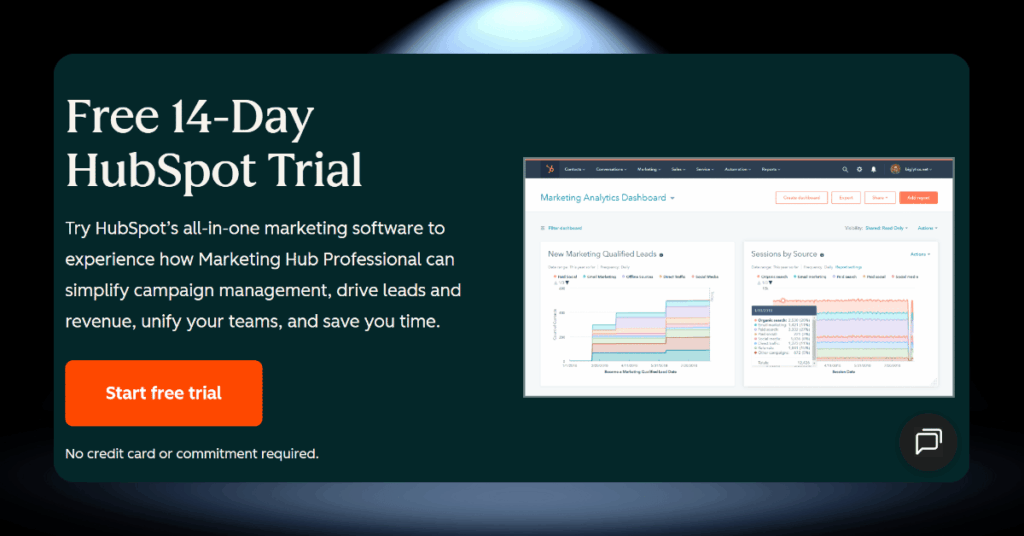
Yes. HubSpot provides a 14-day free trial for Marketing Hub Professional. No credit card is required to start. The trial gives you access to professional-tier features so you can test automation workflows, reporting dashboards, and campaign tools before committing financially.
After the 14 days, premium features simply expire. You won’t be automatically charged, which is a nice touch compared to some competitors that quietly convert trials into paid subscriptions.
Is There a Free HubSpot Plan?

Yes, and it’s one of the more generous free CRM plans on the market. HubSpot’s free tier is permanent, not time-limited, and includes a surprising amount of functionality:
- CRM with up to 1,000,000 contacts and unlimited deals
- Up to 5 free core seats (with unlimited view-only seats)
- Basic email marketing for up to 2,000 sends/month
- Forms, landing pages (up to 20), and live chat (all with HubSpot branding)
- Meeting scheduling with one active link
- Mobile app access for iOS and Android
- Conversational bots and a shared inbox
- Website visitor tracking and basic reporting
- App Marketplace integrations
On paper, that’s a lot of functionality for zero dollars. The contact limit alone (1 million) is far more generous than what most competitors offer at their paid entry tiers. For solo founders, very early-stage startups, or teams that simply want to test the platform before committing money, the free plan is a genuinely useful starting point.
The Catch: HubSpot branding appears on everything you send or publish: emails, forms, chat widgets, meeting pages, and landing pages. The 2,000 email cap runs out quickly once you start sending regularly. There’s no workflow automation, no A/B testing, and reporting is too shallow to make real data-driven decisions.
HubSpot’s Additional Fees and Costs
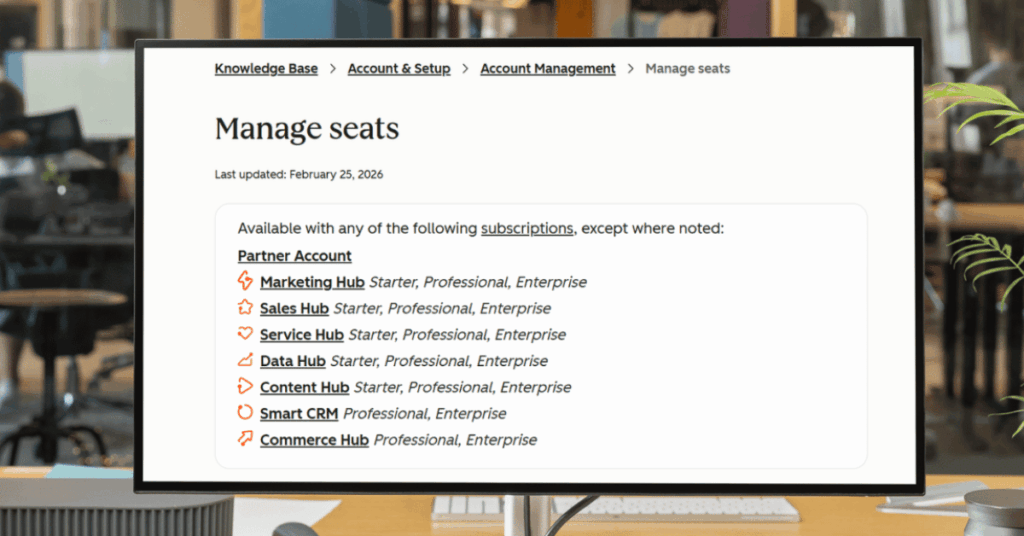
The plan prices in the table above are just your starting point. In practice, most businesses end up paying significantly more once seats, contacts, onboarding, and add-ons are factored in.
Below is a full breakdown of every extra cost you should budget for before signing a HubSpot contract.
How Often Does HubSpot Change Its Prices?
HubSpot doesn’t follow a fixed schedule, but they adjust pricing periodically. The most significant recent shift was the rollout of seat-based pricing across all hubs. Existing customers typically face around a 5% renewal uplift, though this is negotiable.
Tip: Locking in a longer contract term can protect against mid-term increases. Push back on the renewal uplift before your renewal date, not after.
Can a VPN Get You Cheaper HubSpot Pricing?

Short answer: not really. Unlike airlines or streaming services, HubSpot doesn’t use location-based dynamic pricing. Their list prices are publicly available and largely consistent across regions.
HubSpot does bill in seven currencies (USD, EUR, GBP, JPY, COP, SGD, AUD), and exchange rate fluctuations can create minor differences. But that’s a currency selection issue, not a VPN trick.
Better Strategy: Skip the VPN and negotiate directly with HubSpot’s sales team instead. Real discounts of 30-35% are common on Professional and Enterprise plans.
3 Alternatives That Cost Less Than HubSpot
HubSpot is a strong platform, but it’s not the right fit for every budget. If the pricing feels steep for what your team actually needs, there are proven alternatives that deliver solid CRM functionality at a fraction of the cost.
Below are three options worth considering, each with a real savings example based on a 10-user team compared to HubSpot Sales Hub Professional at $100/seat/month ($1,000/month total).

1. Zoho CRM: Around 77% Cheaper
Example calculation: Zoho CRM Professional costs roughly $23/user/month. For 10 users, that’s $230/month versus HubSpot’s $1,000/month. You save approximately $770 every month, or $9,240 per year.
Zoho also has a massive ecosystem of companion apps like Zoho Desk, Zoho Campaigns, and Zoho Analytics, so you can build a full stack without HubSpot’s bundling premiums. The trade-off is a less polished interface and a steeper learning curve. But for budget-conscious teams that value depth over design, Zoho is hard to beat.

2. Pipedrive: Around 51% Cheaper
Example calculation: Pipedrive’s Professional plan runs about $49/user/month. For 10 users, that’s $490/month versus HubSpot’s $1,000/month. You save roughly $510 per month, or $6,120 per year.
Pipedrive was built specifically for salespeople, and it shows. The visual pipeline management is among the best in the industry, and the platform feels stripped down to what actually matters for closing deals. The downside is that Pipedrive doesn’t offer native marketing or service tools, so you’ll need separate software for those functions.

3. Freshsales: Around 61% Cheaper
Example calculation: Freshsales Pro starts at about $39/user/month. For 10 users, that’s $390/month versus HubSpot’s $1,000/month. You save roughly $610 per month, or $7,320 per year.
Freshsales comes with built-in AI-powered lead scoring, phone, email, and chat included in the price. It’s part of the broader Freshworks ecosystem, so you can add Freshdesk (support) and Freshmarketer (marketing) as needed. The onboarding experience is far simpler than HubSpot’s, with no mandatory fees. Less customizable at enterprise scale, but a strong contender for small and mid-sized teams.
Picking the Right HubSpot Plan for Your Business
With so many hubs, tiers, and bundles, choosing the right setup can feel overwhelming. Here’s a practical breakdown by business type to help you decide.
Solo Founders and Freelancers = Free Plan
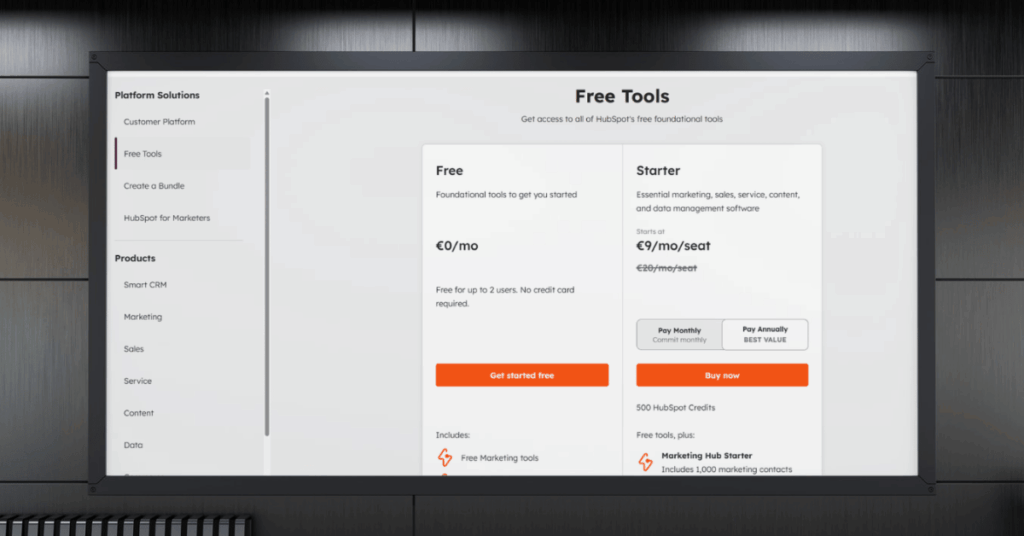
If you’re a one-person operation that needs basic contact tracking and email sending, start here. You won’t get automation or deep reporting, but you also won’t spend a dime. Upgrade only when the limitations genuinely slow you down.
Small Teams (2-10 People) = Starter Platform
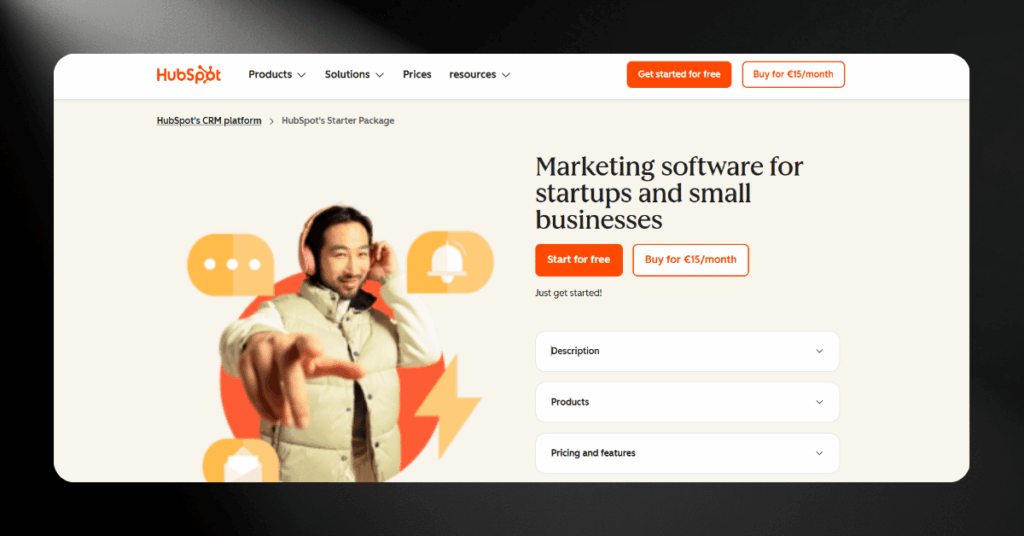
The Starter Customer Platform at $15/seat/month is the best value entry point in HubSpot’s lineup. It bundles all six hubs, removes branding, and covers basic marketing, sales, and support without juggling separate subscriptions.
Growing B2B Sales Teams = Sales Hub Pro
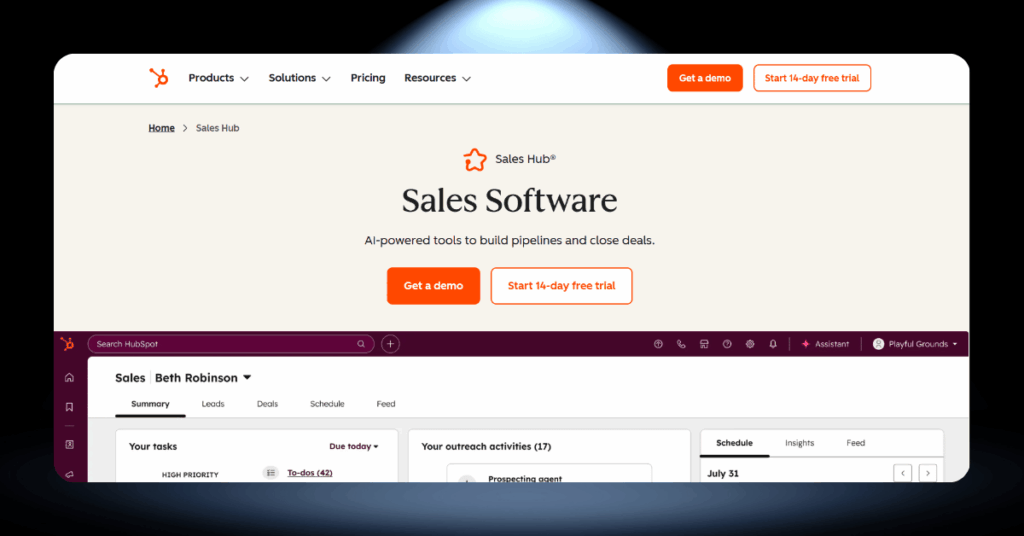
If your focus is building a structured pipeline with sequences, forecasting, and team reporting, Sales Hub Professional at $100/seat/month delivers the tools your managers need. Pair it with Marketing Hub Starter for lightweight email marketing alongside it.
Marketing-Driven Businesses = Marketing Hub Pro
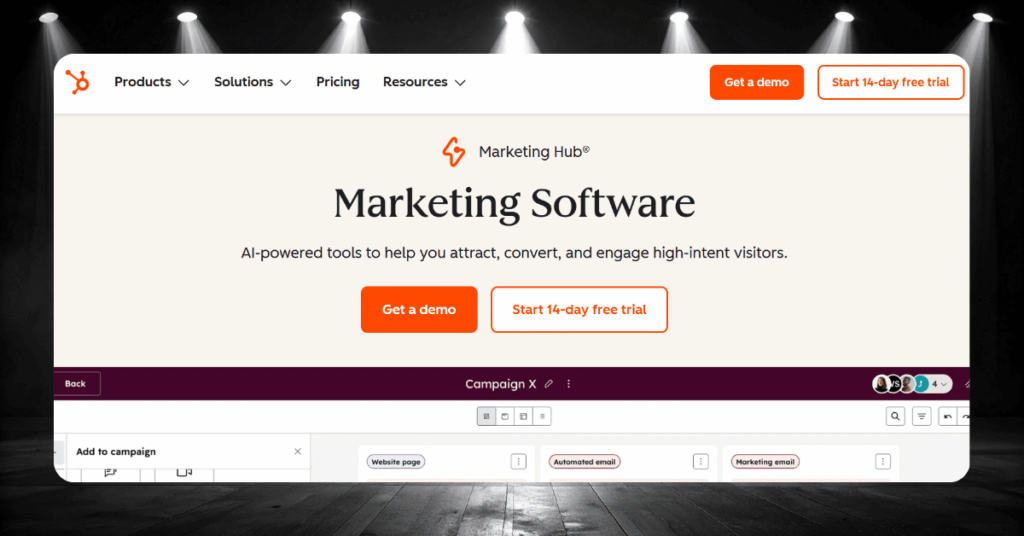
At $890/month plus a $3,000 onboarding fee, this is a serious investment. But if your business depends on automated nurture sequences, SEO tools, A/B testing, and attribution reporting, this is where HubSpot truly shines. Budget carefully for contact growth.
Multi-Team Enterprise Orgs = Enterprise Tier
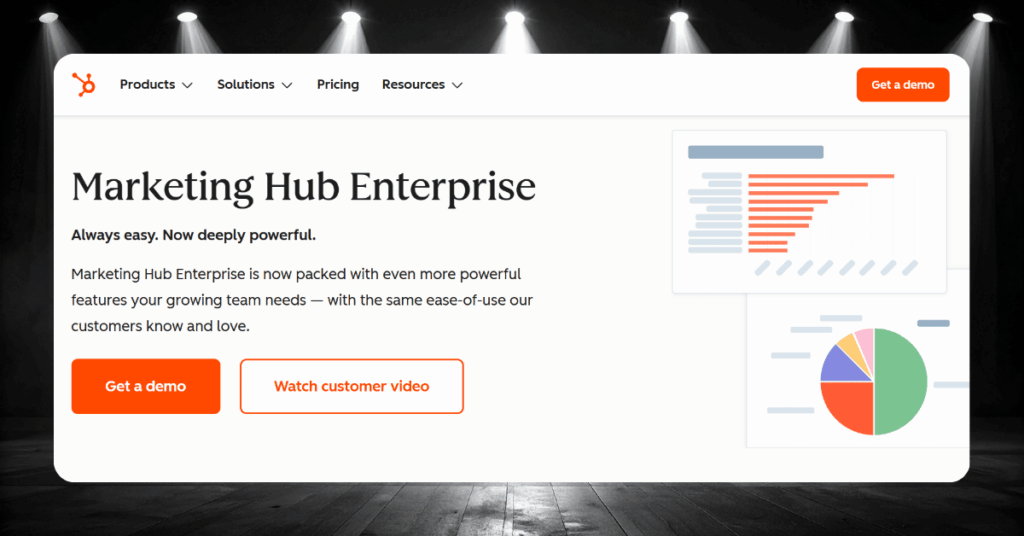
Enterprise makes sense when you need advanced permissions, custom objects, predictive lead scoring, or hierarchical team management. If you’re running multiple business units within one portal, these features become necessary. Prepare for upfront annual payment.
Common Complaints About Hubspot Pricing
No CRM platform is perfect, and HubSpot collects its fair share of criticism. We dug through hundreds of reviews across major platforms to find the recurring pain points that keep surfacing.
Here are the three complaints that come up most often.
The Free-to-Expensive Trap
Users sign up for the free plan, get comfortable, and then discover the features they need are locked behind Professional or Enterprise tiers. The jump from Starter to Professional is steep in both price and capability.
“Hubspot starts off nice with a free tier, but then costs ramp up very quickly for anything meaningful. In addition, the terms for signing a yearly contract are extremely onerous.”
– Michael M., Trustpilot
Our take: This is entirely valid. HubSpot’s free plan is designed as a funnel into paid tiers. The feature gaps between Starter and Professional are large enough that many teams feel forced into upgrading sooner than planned.
Contact Tier Upgrades You Didn’t Ask For
Marketing Hub charges by contact tier. Exceed your limit and HubSpot bumps you automatically, with no approval step and no grace period. The higher rate locks in for your contract term.
“HubSpot’s pricing structure is frustratingly expensive for marketers with a lot of contacts. If you don’t proactively manage your contact growth, you can get trapped into a higher billing tier.”
– Verified reviewer, G2
Worth knowing: This is well-documented across review sites. Proactive list cleanup is your only reliable defense. Move unengaged contacts to non-marketing status before they trigger a tier jump.
Contracts You Can’t Walk Away From
Professional and Enterprise plans require annual commitments with no mid-term cancellation. Contracts auto-renew unless you manually disable renewal before the term ends.
“It goes from Free, to $50 something each month to $850 each month. It takes time to understand what features you can get the best use of, and before you realize it, you may be paying a high price point for something you may not use.”
– Verified reviewer, Capterra
The reality: HubSpot’s contract terms are in the fine print. The issue is that most buyers don’t read them carefully during the sales process, and reps don’t always go out of their way to highlight them. Start with Starter (month-to-month) if you’re unsure.
Making the Most of Your HubSpot Investment
Signing up for HubSpot is just the starting line. The real difference between teams that love the platform and teams that resent it comes down to how they manage costs and configure the system from day one.
Negotiation Tips That Actually Work
HubSpot’s list prices are starting points, not final offers. Most customers land discounts of 30-35% off published rates on Professional and Enterprise plans. Here’s where to push:
- Get competing quotes from Salesforce, Zoho, or Pipedrive before talking to sales
- Ask for onboarding fee waivers, as these are among the most negotiable costs
- Offer a multi-year commitment for a steeper discount
- Time your purchase around quarter-end or year-end
- Push back on the standard 5% renewal uplift before your contract renews
Bundled Platform vs. Individual Hubs
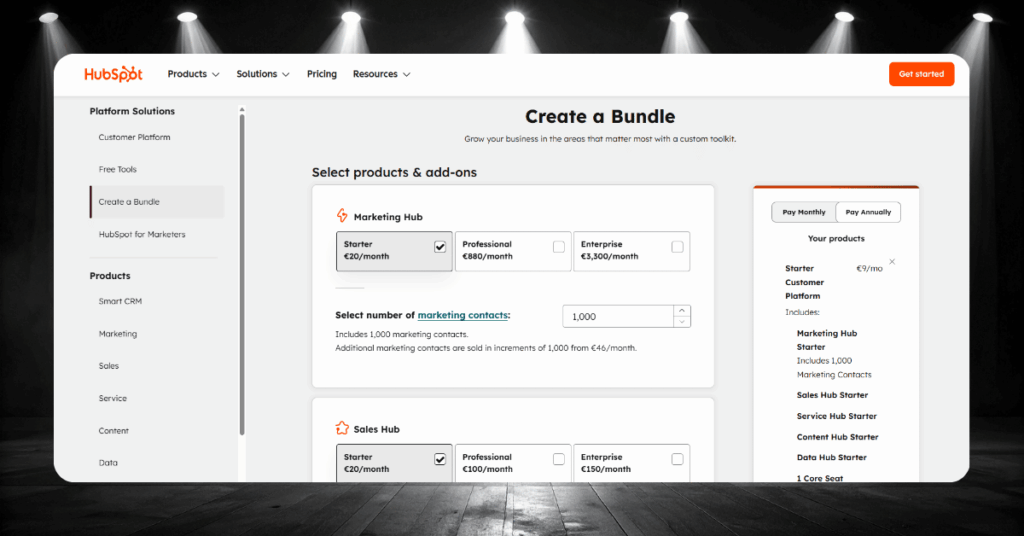
One of the biggest pricing decisions you’ll face is whether to buy HubSpot hubs individually or grab a Customer Platform bundle. The answer depends entirely on how many hubs your team actually uses day to day.
Getting this wrong in either direction costs real money. Buy individual hubs when you only need one or two, and you save. Bundle when you need three or more, and the per-hub cost drops significantly. Here’s how the two approaches compare.
The Starter Customer Platform at $15/seat/month gives you all six hubs in one package. At the Professional level, the bundled platform at $1,170/month includes 5 seats with access to every Professional-tier hub. For teams that touch marketing, sales, and service regularly, bundles almost always work out cheaper than stacking individual subscriptions.
Buying hubs separately makes sense when your team only needs one or two specific tools. A pure sales team that lives in Sales Hub Professional at $100/seat/month has no reason to pay for marketing or service features they’ll never open. The savings are real, but you lose the flexibility to expand without renegotiating your contract.
Quick Ways to Cut Your Monthly Bill
Small, consistent habits make a bigger dent in your HubSpot costs than any single negotiation. The teams that keep spending under control build cost management into their routine rather than treating it as a quarterly fire drill.
None of these moves require technical expertise or a dedicated ops person. Companies routinely shave 20-40% off their bill just by cleaning up contacts, reassigning seat types, and picking the right billing structure.
- Run monthly contact audits to remove bounces, duplicates, and unengaged subscribers
- Flag inactive contacts as non-marketing so they don’t count toward your billing tier
- Replace paid seats with free View-Only Seats for anyone who only needs dashboards
- Start on Starter before jumping to Professional
- Compare bundled pricing against individual hub quotes before signing
- Track Breeze AI credit usage to avoid $10-per-block overage charges
- Disable auto-renewal well before your contract end date
Conclusion: Is HubSpot Worth The Money?
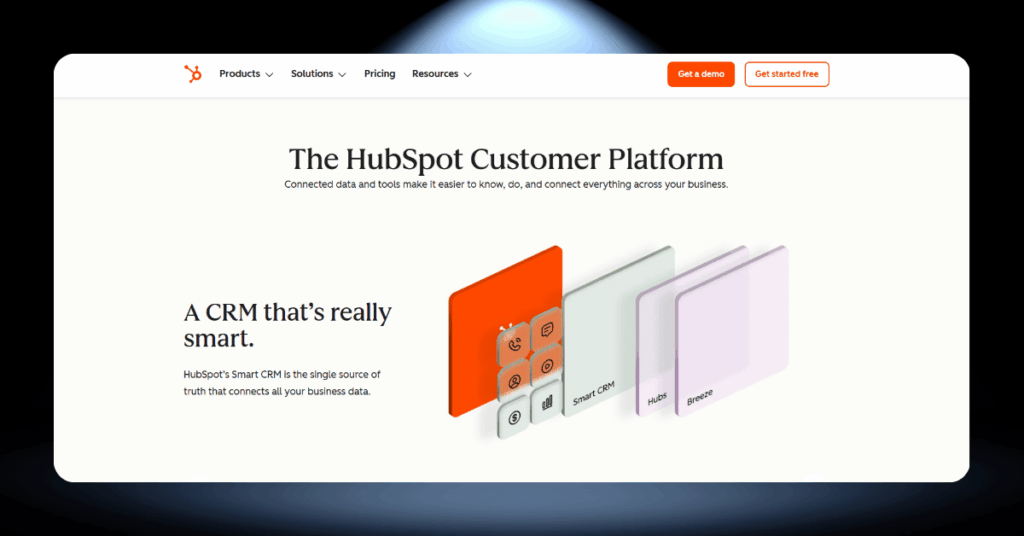
For the right business, yes. HubSpot brings marketing, sales, and service under one roof with a shared database that eliminates silos. That unification has real, measurable value for growing teams.
But value breaks down fast when you’re paying for features you don’t use, contact costs spiral, or you’re locked into a contract that doesn’t fit. Go in with your eyes open and budget for the full cost, not the headline price.
Our Verdict: The free plan and Starter tier are genuinely great deals. Professional and Enterprise deliver strong ROI if you use what you’re paying for. The key is matching the plan to your actual needs, not your aspirations.
HubSpot Pricing FAQ
HubSpot Help Is One Click Away
Still not sure which HubSpot plan fits? Or wondering if a different platform might be the better call?
We’ve helped over 200 companies make exactly this decision. Our team at CRM360 will walk through your requirements, map out the real costs, and recommend the setup that actually fits your business.
Get in touch with our team here and let’s figure this out together.